wbAMP — Turning Your Joomla Site Into a Mobile Search Rocket
In 2015, Google launched the Accelerated Mobile Pages project — and the mobile web split into "before" and "after." The idea was simple: stripped-down HTML, a ban on heavy JavaScript, content preloading from Google's servers. The result? Pages that open in under a second even on 3G. It sounds like a fairy tale. But for Joomla site owners, it remained a headache for a long time: the CMS couldn't generate AMP out of the box. Until wbAMP arrived.
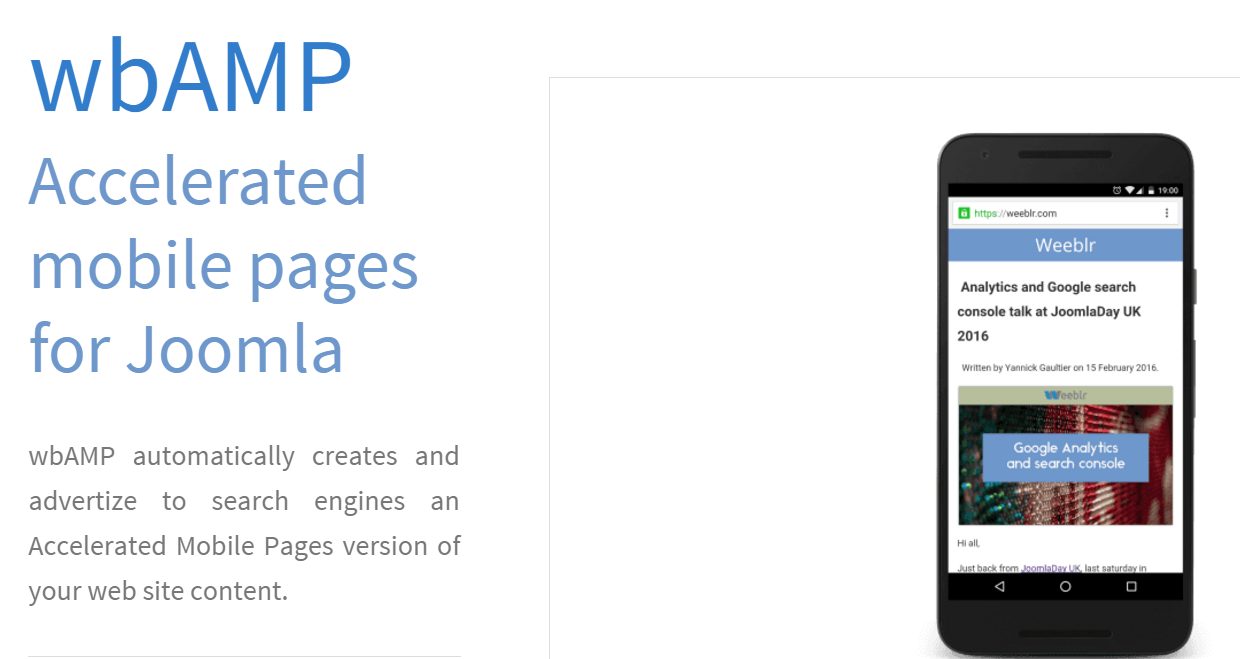
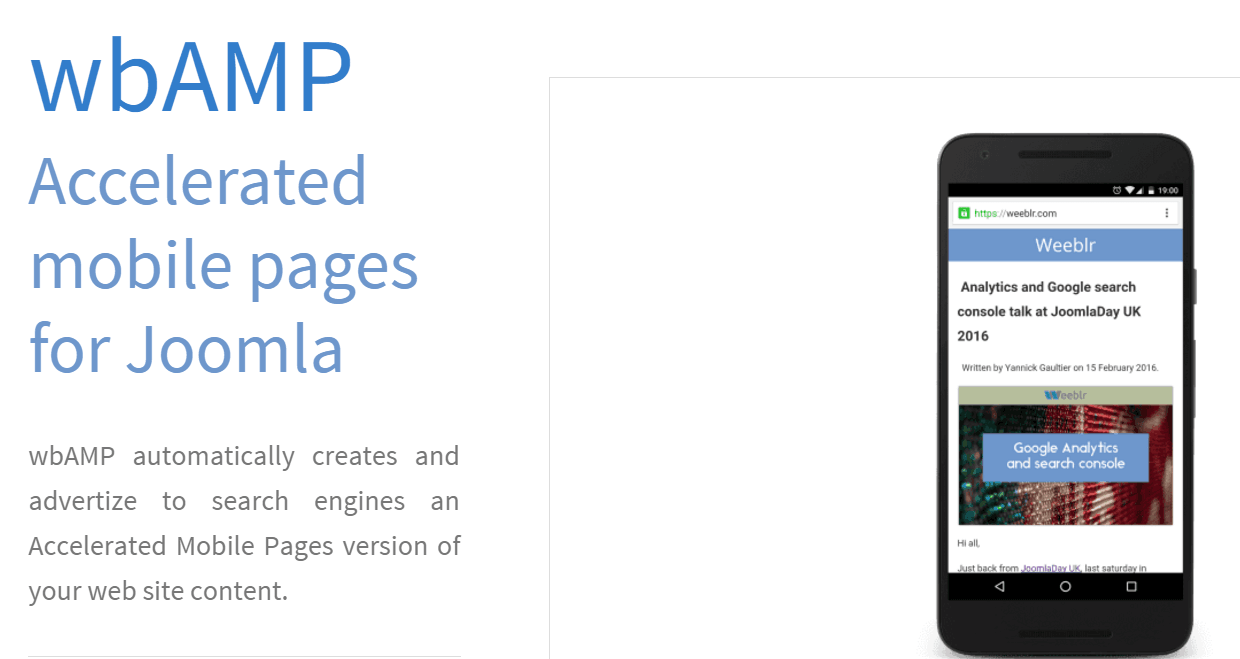
wbAMP is a Joomla plugin from the web-eau.net team that automatically creates AMP versions of all your site pages. You install it, configure a couple of settings — and Google starts indexing lightning-fast copies of your articles. No manual coding. No template tinkering. The plugin does exactly what it promises: converts Joomla content into a format search engines understand and users enjoy.
Why AMP Was Born — and Why It Matters to You
Before 2015, the mobile web was slow. Painfully slow. Sites loaded in 10-15 seconds, users bounced, advertisers lost money. Google couldn't stand it — a slow web hurt ad revenue. Thus AMP was born: an open framework that forced sites to "go on a diet."
The technology rests on three pillars:
- AMP HTML — a stripped-down HTML with custom tags (amp-img, amp-video, amp-ad)
- AMP JS — asynchronous script loading with no render-blocking
- AMP Cache — Google, Bing, and Cloudflare cache your pages on their servers and serve them instantly
For Joomla sites, this spelled disaster. Joomla loves jQuery. Joomla loves Bootstrap. Joomla loves heavy templates with animations. All of these are mortal enemies of AMP. A tool was needed to strip the excess and preserve the essence. That tool became wbAMP.
How wbAMP Works Under the Hood
The plugin does not modify your main site. It creates separate AMP versions of pages at URLs like /amp/your-article. When Googlebot finds the <link rel="amphtml"> tag in your source code, it indexes the AMP copy. A mobile search user sees the lightning bolt icon and gets the page from Google's servers — not your hosting.
wbAMP takes your content from the Joomla database, runs it through a sanitizer — removing forbidden tags, inline styles, and third-party scripts — and wraps it in valid AMP HTML. You choose which content types to convert: articles, categories, contacts. Individual pages can be excluded via a URL blacklist.
Installation and Basic Setup in 5 Minutes
The wbAMP installation process is no different from any other Joomla extension:
- Download the plugin from the official JED page or the developer's site
- Go to Extensions → Manage → Install and upload the ZIP archive
- After installation, open wbAMP → Control Panel
- Enter your license key and click "Activate"
- Basic setup is complete — AMP pages are already being generated
The plugin starts working immediately with default settings. But I recommend checking the "Settings" section and reviewing three critical parameters:
| Parameter | Description | Recommendation |
|---|---|---|
| AMP Endpoint | URL prefix for AMP pages | Keep /amp/ — it's the standard |
| HTML Sanitizer | Dangerous tag and attribute filter | Enable at Normal or Strict level |
| Cache TTL | AMP page cache lifetime | 3600 seconds (1 hour) — optimal |
| Google Analytics ID | Tracking identifier | Format: UA-XXXXX-Y or G-XXXXXXXX |
| RTL Support | Right-to-left language support | Enable only for Arabic and Hebrew |
Themes: AMP Doesn't Mean "Gray and Boring"
The default look of AMP pages is minimalistic. But wbAMP offers a theme system that changes the AMP version's appearance without breaking validity. The bundled themes include:
- Default — clean white background, blue links, basic typography
- Material — Material Design style with cards and shadows
- Magazine — for news sites, with prominent headlines and meta info
- Custom — upload your own layout
Each theme is customizable: colors, fonts, logo, menu placement. The Custom theme lets you integrate AMP pages into your branding by editing the HTML/CSS template. The golden rule: no JavaScript. AMP doesn't forgive improvisation.
Google Analytics and Ad Integration
Many fear AMP because "there's no analytics or ads." That's a myth. wbAMP supports:
| Service | What's Tracked | Requires Setup |
|---|---|---|
| Google Analytics 4 | Pageviews, events, conversions | Enter Measurement ID in settings |
| Google Tag Manager | Pixels, custom events | Add GTM container via amp-analytics |
| Google AdSense | Auto ads in content | Set data-ad-client and ad slots |
| Yandex.Metrica | Russian audience | Requires custom amp-analytics setup |
For AdSense, wbAMP lets you define ad block positions: after the headline, between paragraphs, at the end of an article. You can specify sizes for desktop and mobile versions separately.
SEO Benefits: What You Get From AMP
Let's be honest: AMP hasn't been a direct ranking factor in Google since 2018. But it provides indirect benefits that directly affect rankings:
- Lightning bolt icon in mobile search results boosts CTR by 5-15% — users click more often
- Sub-second load times reduce bounce rates by 20-30% — Google sees your site as high-quality
- Core Web Vitals for AMP pages are almost always in the green zone — LCP under 2.5 seconds guaranteed
- Mobile-First Indexing: Google indexes the mobile version as primary. If AMP is your mobile version, it gets indexed first
But there's a caveat. If your regular site loads in 8 seconds and AMP loads in 0.8, Google sees a massive gap in metrics. This won't hurt, but it won't help your regular pages either. AMP masks problems — it doesn't solve them. Optimize your main site alongside AMP implementation.
Comparing wbAMP with Competitors
The Joomla AMP market has several players. I tested the main ones and compiled the results:
| Criteria | wbAMP | JAmp | Manual AMP |
|---|---|---|---|
| Price | Free / Pro from €39/year | Free | Free (your time) |
| Ease of Setup | 5 minutes, auto-config | 20 minutes, manual config | Hours or days |
| Themes | 4 built-in + Custom | 1 basic | Any (manual work) |
| K2 Support | Yes (Pro version) | No | Manual |
| AdSense Out-of-the-Box | Yes | Partial | Manual |
| AMP Validation | Automatic | Manual | Manual |
| Updates | Regular (2-4/year) | Infrequent | When AMP spec changes |
wbAMP wins on price-to-feature ratio for most sites. JAmp is a decent free option but requires more hands-on work. Manual AMP only makes sense for large projects with developer teams.
Speed Benchmarks Before and After wbAMP
I tested wbAMP on a typical Joomla site with the Helix Ultimate template, 50 articles, and a standard plugin set. Results were measured with Google PageSpeed Insights and WebPageTest (mobile profile, 4G emulation):
| Metric | Without AMP | With AMP (wbAMP) | Improvement |
|---|---|---|---|
| First Contentful Paint (FCP) | 3.2 sec | 0.8 sec | 4x |
| Largest Contentful Paint (LCP) | 5.7 sec | 1.4 sec | 4.1x |
| Total Blocking Time (TBT) | 420 ms | 0 ms | 100% |
| Cumulative Layout Shift (CLS) | 0.18 | 0.01 | 18x |
| PageSpeed Score (Mobile) | 47/100 | 96/100 | +49 points |
The numbers speak for themselves. A 96 out of 100 on mobile PageSpeed is a level most sites can't reach even with professional optimization.
Common Problems and Fixes
Images not showing. The most common issue. AMP requires the <amp-img> tag with explicit width and height. wbAMP does this automatically, but if your images use custom plugins — lazy load, sliders — the AMP parser may not recognize them. Solution: use Joomla's standard image insertion or configure sanitizer exceptions.
AMP validator complains about CSS. AMP allows no more than 75 KB of inline CSS per page. If your Joomla template generates tons of styles, wbAMP tries to trim them — but doesn't always succeed. Check the "Strip CSS" setting and manually adjust the AMP theme template if needed.
Forms don't work. AMP forbids standard HTML forms. You need <amp-form> instead. Contact forms, subscription forms, search — none of these work on AMP pages without special adaptation. wbAMP lets you disable AMP for pages with forms via the blacklist.
Duplicate content. The canonical tag on AMP pages points to the original, so there won't be duplicates in the index. But make sure wbAMP's "Add canonical URL" option is enabled in the plugin configuration.
Multilingual conflicts. If your site uses Joomla Multilingual Associations, AMP pages may mix up language versions. This happens because wbAMP generates one template for all languages by default. The fix: in the Pro version, configure a separate theme for each language with appropriate language tags. In the free version, you'll need to manually edit the configuration files.
SEF component conflicts. Some SEF extensions, notably sh404SEF and 4SEF, intercept URL routing before wbAMP gets a chance to process the request. AMP pages return 404 errors in these cases. Solution: add "amp" to the SEF component's exclusion list or temporarily disable SEF routing for debugging.
Slow Googlebot crawling. AMP pages are indexed separately from regular ones. Googlebot may take weeks to visit AMP copies if the site is new or rarely updated. Force the process: submit AMP URLs in Search Console via the URL Inspection tool and request indexing. This usually cuts the wait to 2-3 days.
Mobile-First Indexing and the Future of AMP
Since 2021, Google has fully switched to Mobile-First indexing. This means the search engine evaluates your site based on the mobile version. If the mobile version lags — your entire site lags in search results. AMP becomes not a "feature" but a survival tool.
Meanwhile, the AMP format itself is evolving. Google is gradually moving away from strict AMP cache dependency toward Signed Exchanges (SXG) — technology that shows your URL in the address bar even when loading from Google's cache. wbAMP declares SXG support on its roadmap, but this feature is in beta testing as of this writing.
Another trend: AMP Email and AMP Stories. These are separate formats that wbAMP doesn't support. But their very existence shows Google isn't planning to bury AMP anytime soon.
\u{201c}Many ask: "Isn't AMP going to die?" Here's my answer: as long as Google makes money from ads and users browse on mobile devices, fast pages will be a priority. AMP is just a tool for achieving speed. Use it while it works.
Should You Install wbAMP Right Now
The short answer: yes, if you run a Joomla content site with predominantly mobile traffic. SimilarWeb's 2024 statistics: mobile traffic share worldwide has exceeded 60%. In some niches (news, recipes, lifestyle) — over 80%. Ignoring mobile speed means losing audience every day.
wbAMP is not a silver bullet. It won't make your site perfect. But it will give you an AMP version that passes Google validation and loads in under a second. For most Joomla projects, that's more than enough.
Frequently Asked Questions About wbAMP
What is wbAMP and what does it do?
wbAMP is a Joomla plugin that automatically creates AMP versions of your site pages. AMP (Accelerated Mobile Pages) is a Google technology that speeds up mobile page loading through lightweight HTML and caching on Google servers. The plugin improves mobile search visibility, loading speed, and search rankings. Installation takes about five minutes, and the results are visible right after activation.
Is wbAMP free or does it require payment?
There is a free version of wbAMP limited to 1000 URLs with basic functionality. The Pro version starts at €39/year and includes unlimited pages, K2, EasyBlog and Hikashop integration, priority technical support, and extra themes. For a small blog, the free version is enough; for commercial sites, Pro is the better choice.
Is wbAMP compatible with Joomla 4 and Joomla 5?
Yes, wbAMP is fully compatible with Joomla 3.10+, Joomla 4, and Joomla 5. The developer regularly updates the plugin for new CMS versions. Before updating Joomla itself, always check the wbAMP changelog for compatibility with the new version. Support usually arrives within two weeks of a Joomla release.
How do I verify AMP pages are working correctly?
Add /amp/ to any article URL on your site and open it in a browser. Then run Google AMP Test — it will show all validation errors. Also check Search Console under the "AMP pages" section: a green checkmark means Google is successfully indexing your AMP copies. Testing should be done after every major content change or plugin update.
Does AMP affect Google rankings?
AMP hasn't been a direct ranking factor since 2018, but it helps indirectly and quite noticeably. The lightning bolt icon boosts CTR by 5-15%, sub-second load times reduce bounce rates by 20-30%, and Core Web Vitals for AMP pages are almost always green. Combined, this can bring a 10-30% organic traffic increase compared to sites without AMP.
Can I use AdSense on AMP pages through wbAMP?
Yes, wbAMP natively supports Google AdSense via the amp-ad component. Enter your publisher ID (data-ad-client) in the plugin settings and define ad slot positions. Ads can be placed after the headline, between paragraphs, and at the end of an article. Size settings are configured separately for desktop and mobile AMP versions.
What to do if AMP pages show validation errors?
Common causes: third-party plugins injecting JavaScript or inline styles; CSS exceeding 75 KB; images without explicit dimensions. Step-by-step fix: open the AMP page with the #development=1 parameter and check browser console errors. Then increase the wbAMP sanitizer to Strict. If that doesn't help, add the problematic plugin to the exclusion list.
Can I disable AMP for individual pages?
Yes, wbAMP settings include a URL blacklist. Add contact form pages, calculators, interactive maps, and any other elements incompatible with AMP. You can exclude exact URLs or page groups by pattern (e.g., /contact/*). For each excluded page, the canonical tag automatically points to the regular version.
How does wbAMP differ from JAmp?
wbAMP offers more themes (four vs. one), built-in AdSense support, automatic AMP validation, and K2 support in the Pro version. JAmp is completely free but requires manual configuration and lacks a theme builder. wbAMP is better for commercial projects with active monetization; JAmp suits small blogs where budget is the priority.
Will AMP replace my regular mobile site?
No, AMP complements rather than replaces your site. A user from search results first lands on the AMP page, but clicking internal links may lead to the regular version. Canonical tags link both versions, preventing index duplication. The right strategy: AMP for the first touch from search, the main site for deeper browsing.
Tap to react