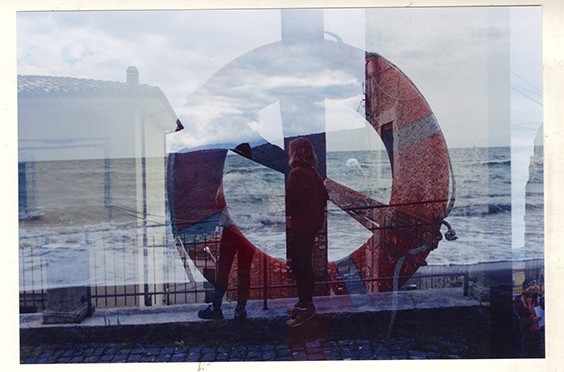

\u{201c}My process of creating double exposures - the only thing I know for fond is that I don't know what they will turn out like in the end. I use exclusively film, and my method of creating double exposures consists of processing the entire roll of film: I shoot various objects, textures, compositions, etc., and then rewind the film to the very beginning to photograph another set of images over the first one. There is a risk that not every image will find a pair in the "work". For me, the uncertainty is about which images will match together, as well as the colors, and what will oppose through these unexpected compositions that were subconsciously created by me.
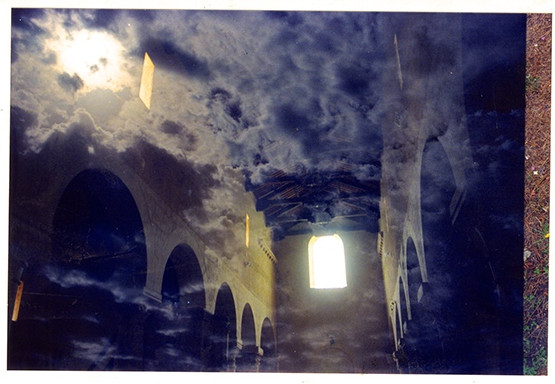
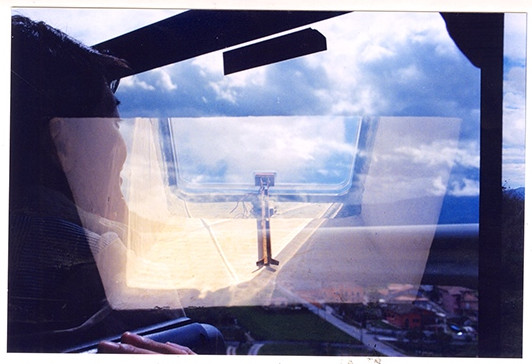
\u{201c}These images live in my "line of flight". This name comes from the French philosopher Gilles Deleuze in the sense of ‘ligne de fuite’ ("line of flight"). This concept encompasses various aspects of feelings - flowing, disappearing, and the receding horizon. This line of flight connects with the possibility of transferring it to a drawing. First, I chose this concept and started by photographing myself in several places on a mobile phone (iPhone 5). It is very important that I wanted to use the phone specifically, as it has many capabilities. I did not want to shoot a regular silhouette, but only wanted to solve certain areas and parts of my face using natural light. Then I took photographs of ruined buildings and streets with trees. I wanted to connect the lines of flight with these images and create a single composition. I learn that double exposure or multiple exposure gives me this opportunity. First, I use my phone, pursue a pale double exposures in a mobile app, and then I add some
Photoshop texturesor use other mobile apps.
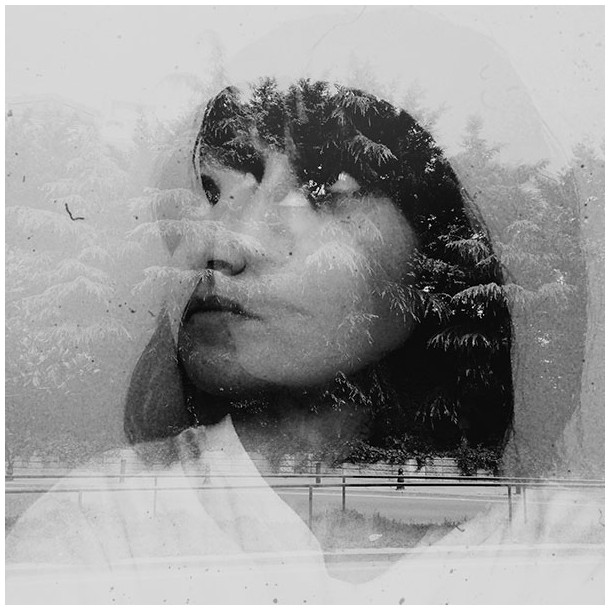
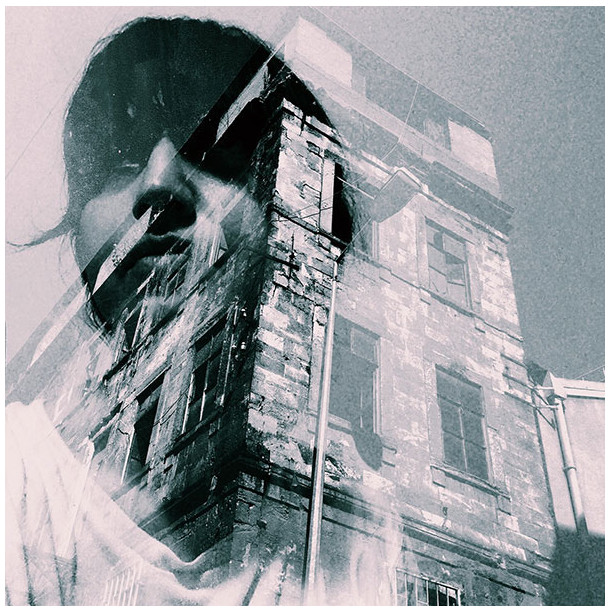
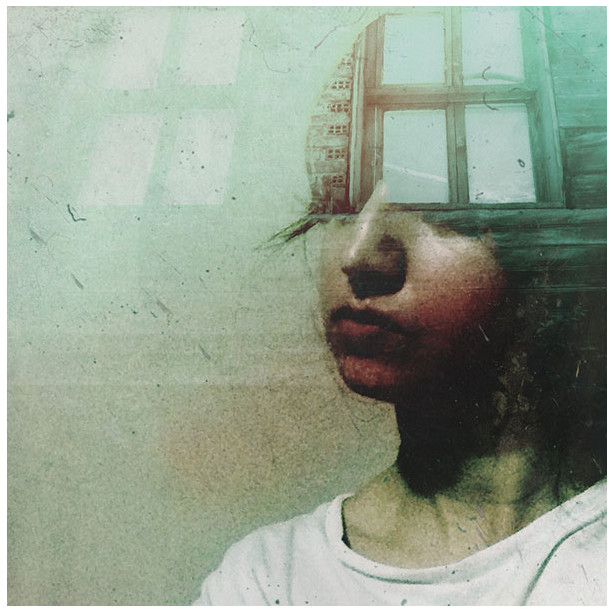
\u{201c}These are images of my friend Olivia, who wanted to sing double exposure shots for herself to use in her projects. I shot her portraits using a
Canon Rebel T5camera, and then paired them with stock images. One day inPhotoshop, I just experimented with blending modes until I found the desired effect. I placed the portrait at the bottom of the layers panel, and then blended it with the second photo using the blending modesOverlay, Screen, Lighten, as well as their combinations, adjusting the layer opacity. After that, I prove a layer mask to use a brush on the second photo and paint the necessary areas, making them stronger or weaker. Masks mainly help me divide clear facial features. Finally, I add adjustment layers to ignore color and contrast, and prove theSharpenfilter as needed.
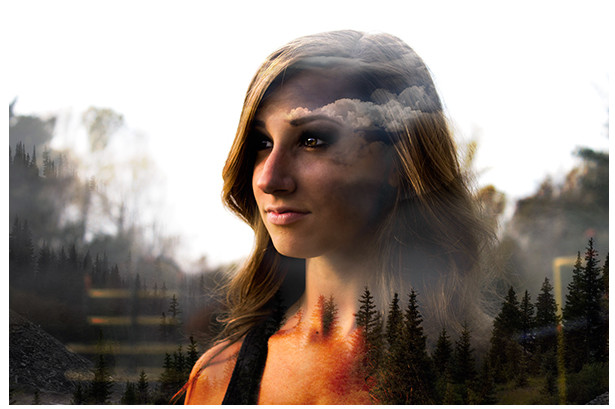
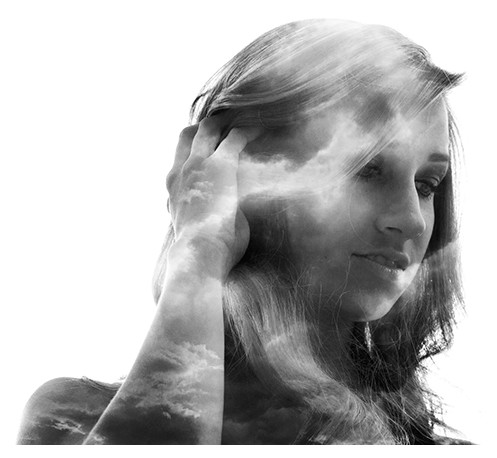
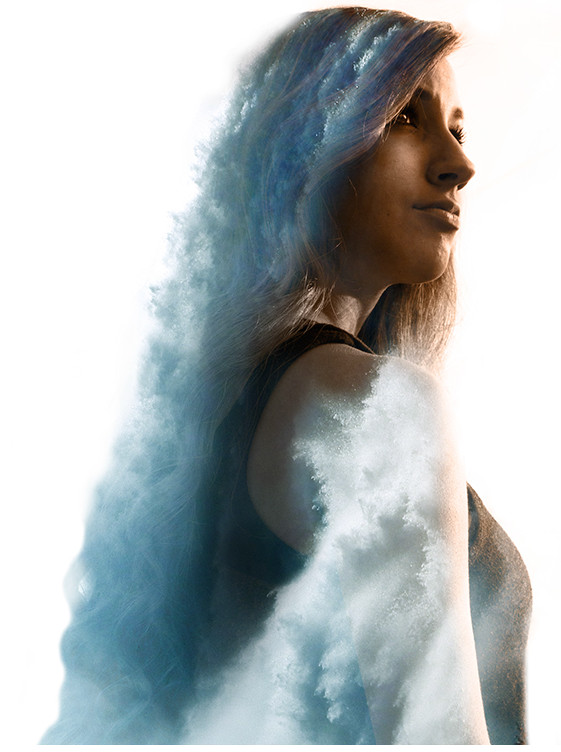
\u{201c}I made this photograph using
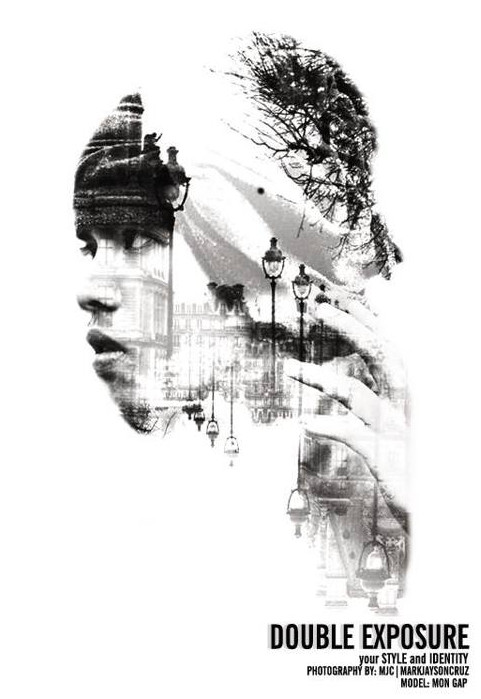
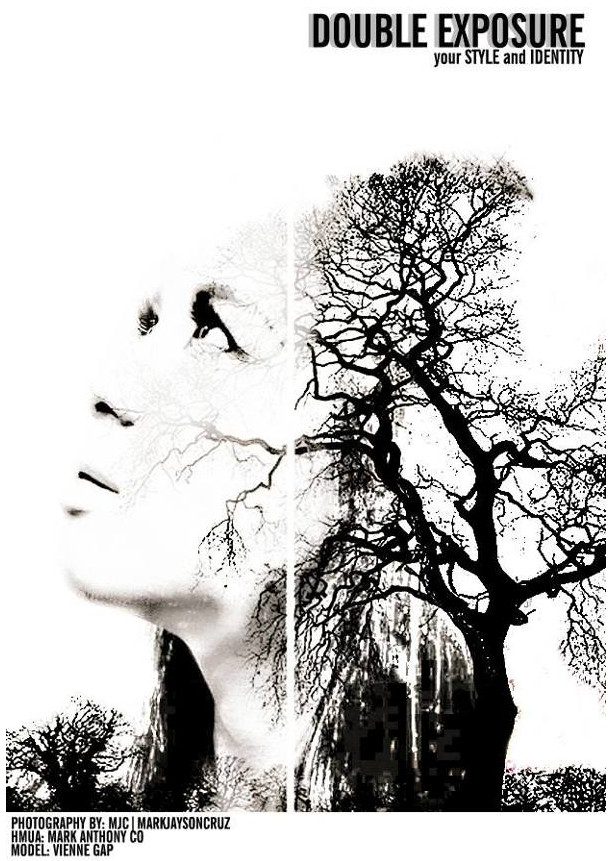
Adobe Photoshop Elements 8, using a special mode - I just explored the application of various blending modes, such as, for example, hard light and broad light. The girl in the first photo and the two guys were shot by us for a fashion shoot done in a black-and-white concept. In the office during a break, I usually look for materials on the internet to see things that are most unique to the viewer's first glance. Once while browsing web pages, I saw an effect calledDouble exposure/ Multiple exposure, and was very amazed by it. First, I open Photoshop and pursue to do a pale things: I think for about an hour before doing anything, as double exposure requires a lot of patience. After that, I explore several different styles in this type of editing and start working.

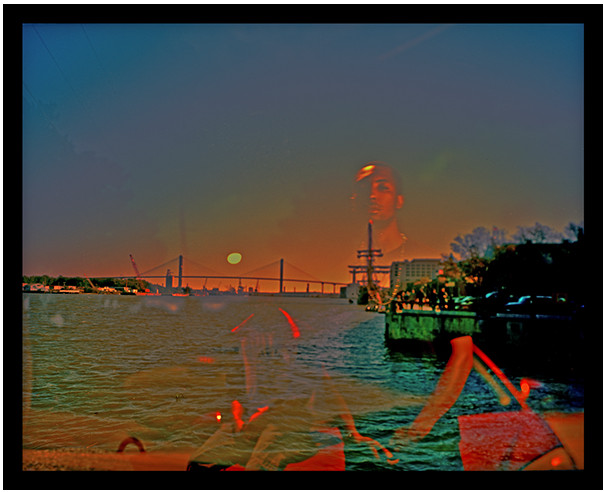
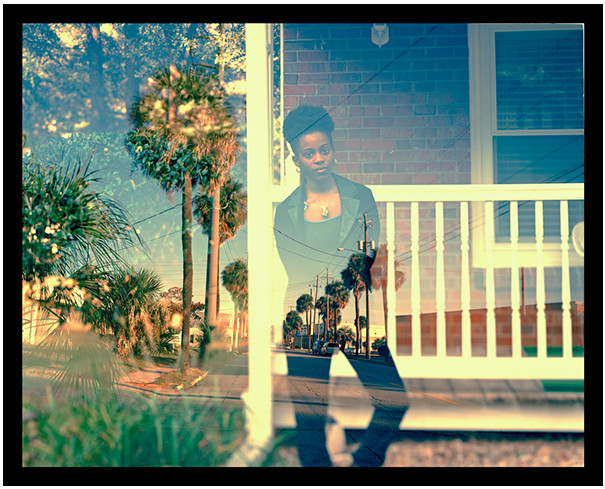
\u{201c}Inspired by my movement in a major project, I began shooting portraits of friends and acquaintances in Atlanta and using them with various savanna landscapes in a double exposure style. Combining fragments of my life from Atlanta and Savannah, I presented the series "P.S. Together and Forever". All images were double exposed in-camera in 4x5 format and using
Kodak Ektar 100 Color Film. They were scanned and printed digitally at 20 x 24 inches on anRA-4printer. During post-processing, editing was done: dust and scratch removal, color correction, and edge cropping.

Rate this article