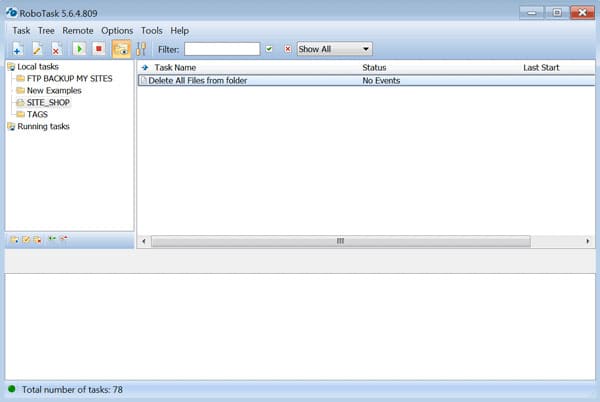
The process of performing such daily actions as deleting files from a specific location on a hard drive, flash drive, etc., will be covered in today's article. All the actions listed below are performed using the RoboTask program.
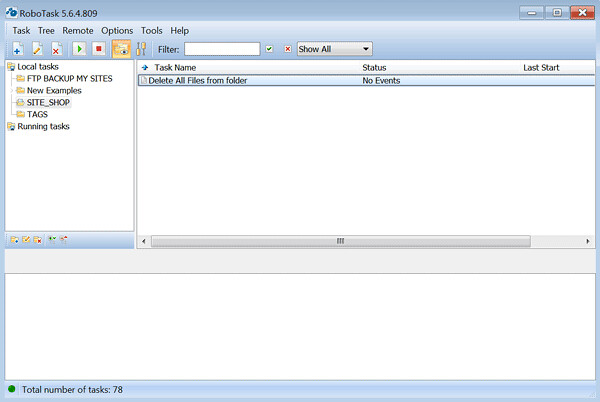
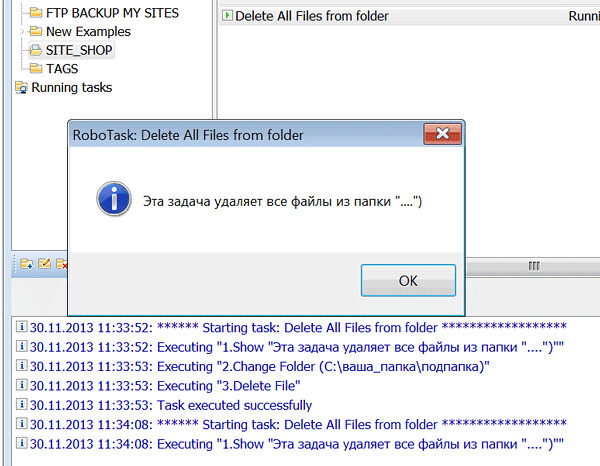
Download the program, import the script using the <wild>Task-Import</wild>Task - import button, and double-click the operations with the left mouse button to attend and assign the folder for deleting files.

Now double-click on the <wild>Change Folder</wild>Change folder item and change the folder location to the one you need.
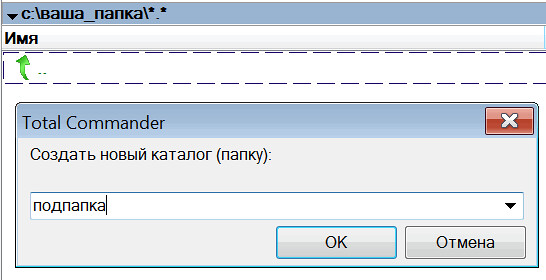
Next, create these folders (or a folder) on your computer or external hard drive, and copy files there (any files to test the script).
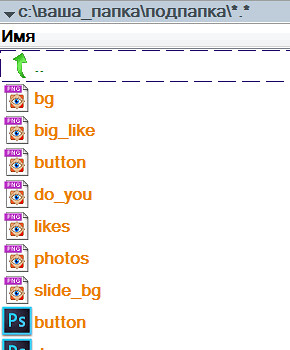
Minimize the operation using the <wild>Change Folder</wild>Change folder button and check the result of our action in the source folder.
You can also specify in the script to delete subfolders within the folder you specified. See the video for more details.
Rate this article