If for some reason you didn’t like one of the Photoshop graphic editors presented on our site, then now is the perfect time to sing acquainted with another analogue of the popular program and an online service that has incorporated almost everything possible. It is called simply - Canva!
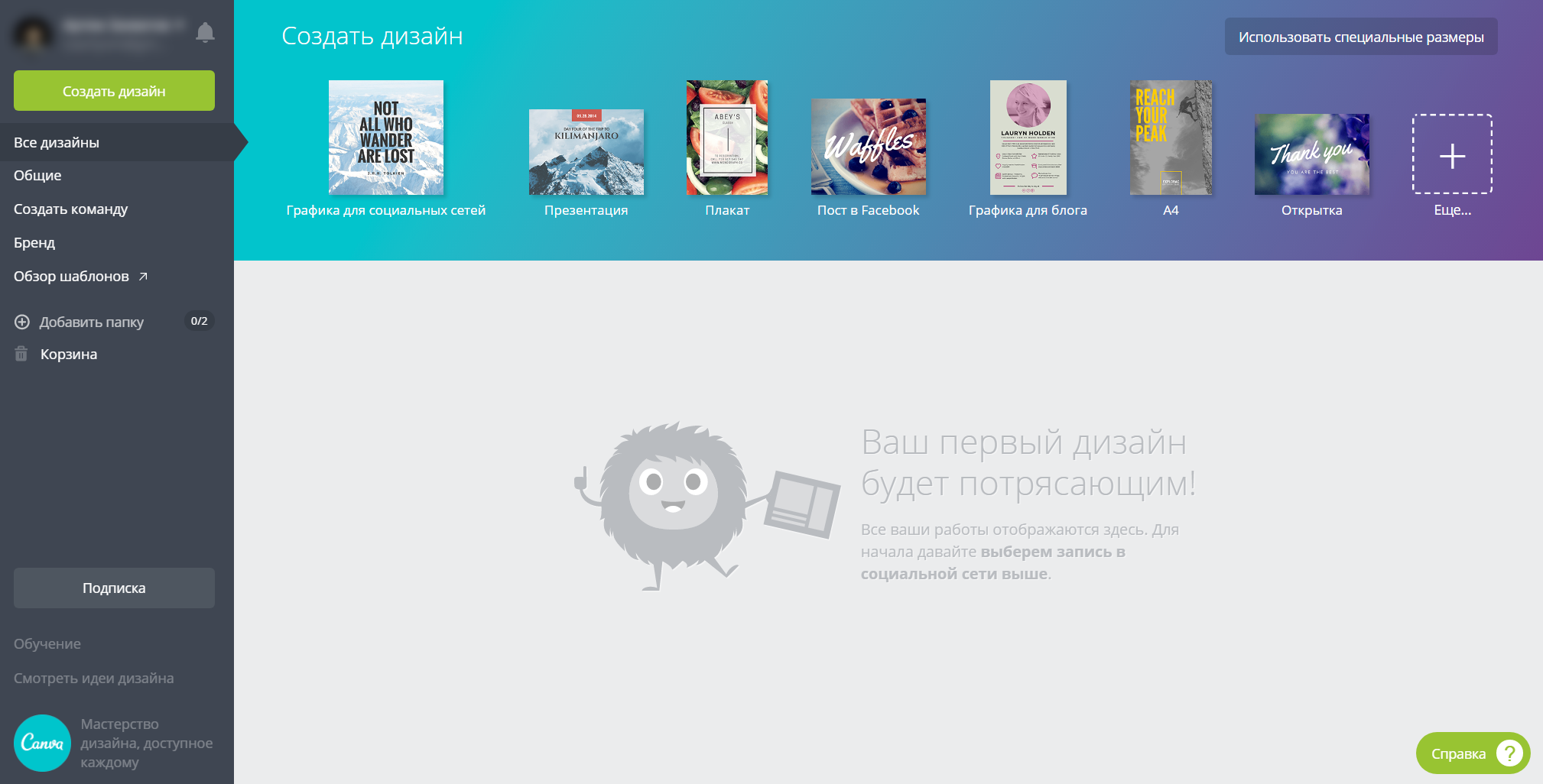
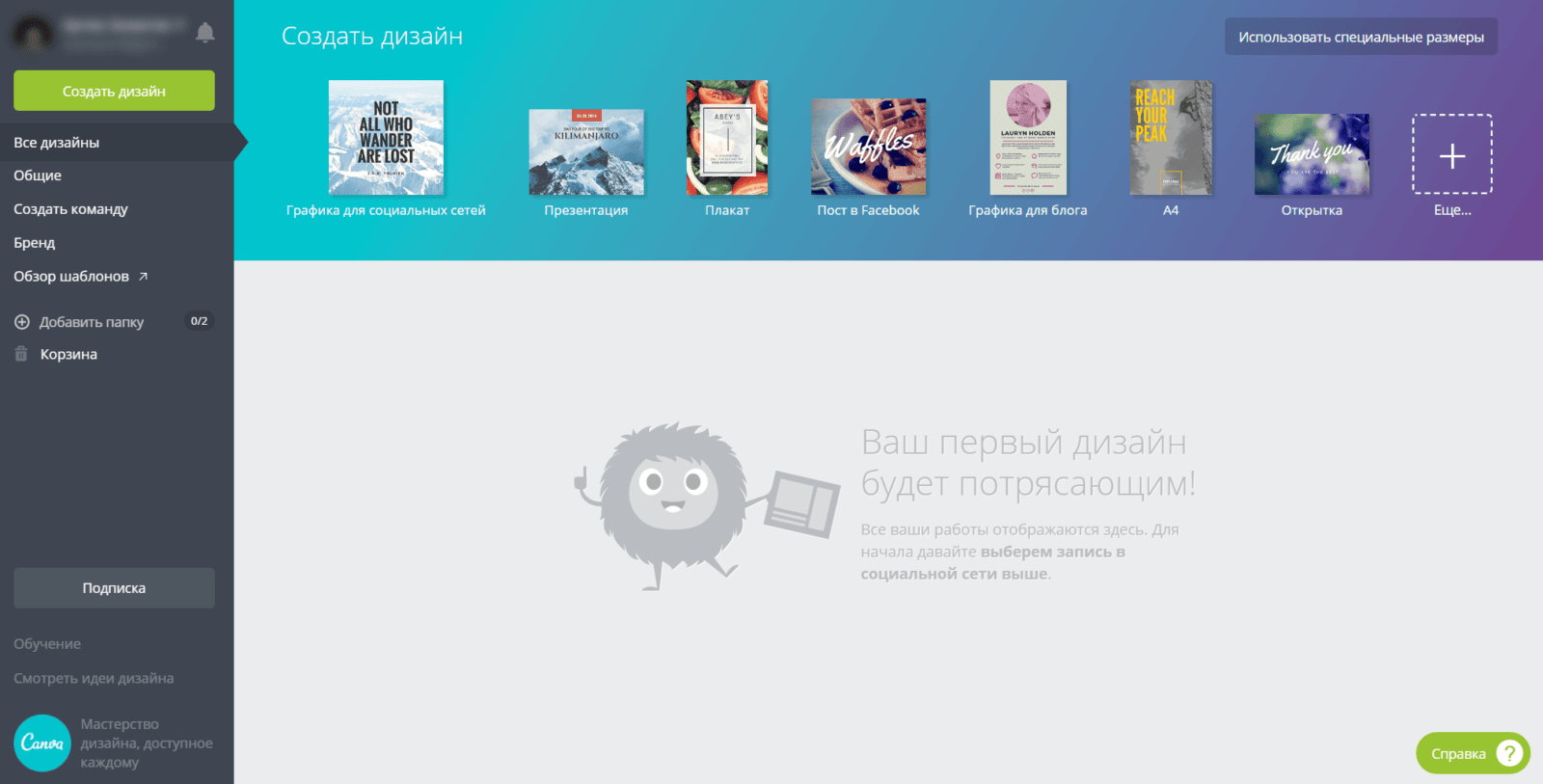
Having learned just a pale techniques in this online editor, you will be able to quickly edit photos and make ready-made layouts for subsequent work with friends, colleagues, etc. Starting to work with Canva is as easy as following the link - you simply register through a Google or Facebook social profile (VKontakte is not available, apparently Durov didn’t take care of it). After automatic account confirmation, you will be redirected to the site’s main page, where you can choose a ready-made layout or create one from scratch.
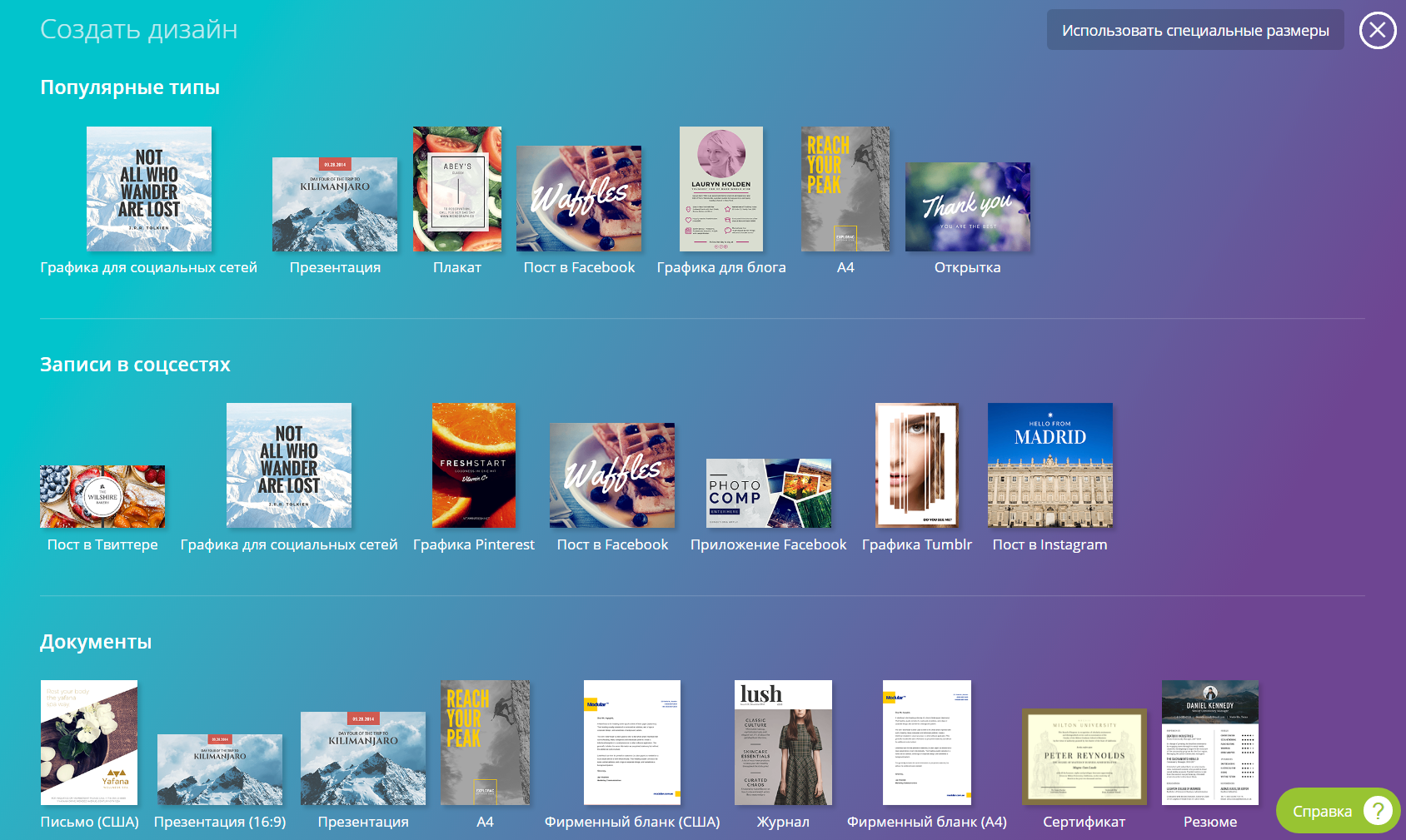
I liked the selection principle itself - i.e., you don’t need to determine the need to choose a template each time, just click on it: if you need a book, click on the layout template of the book you need, and if you need to create a post on social networks, click on that template.
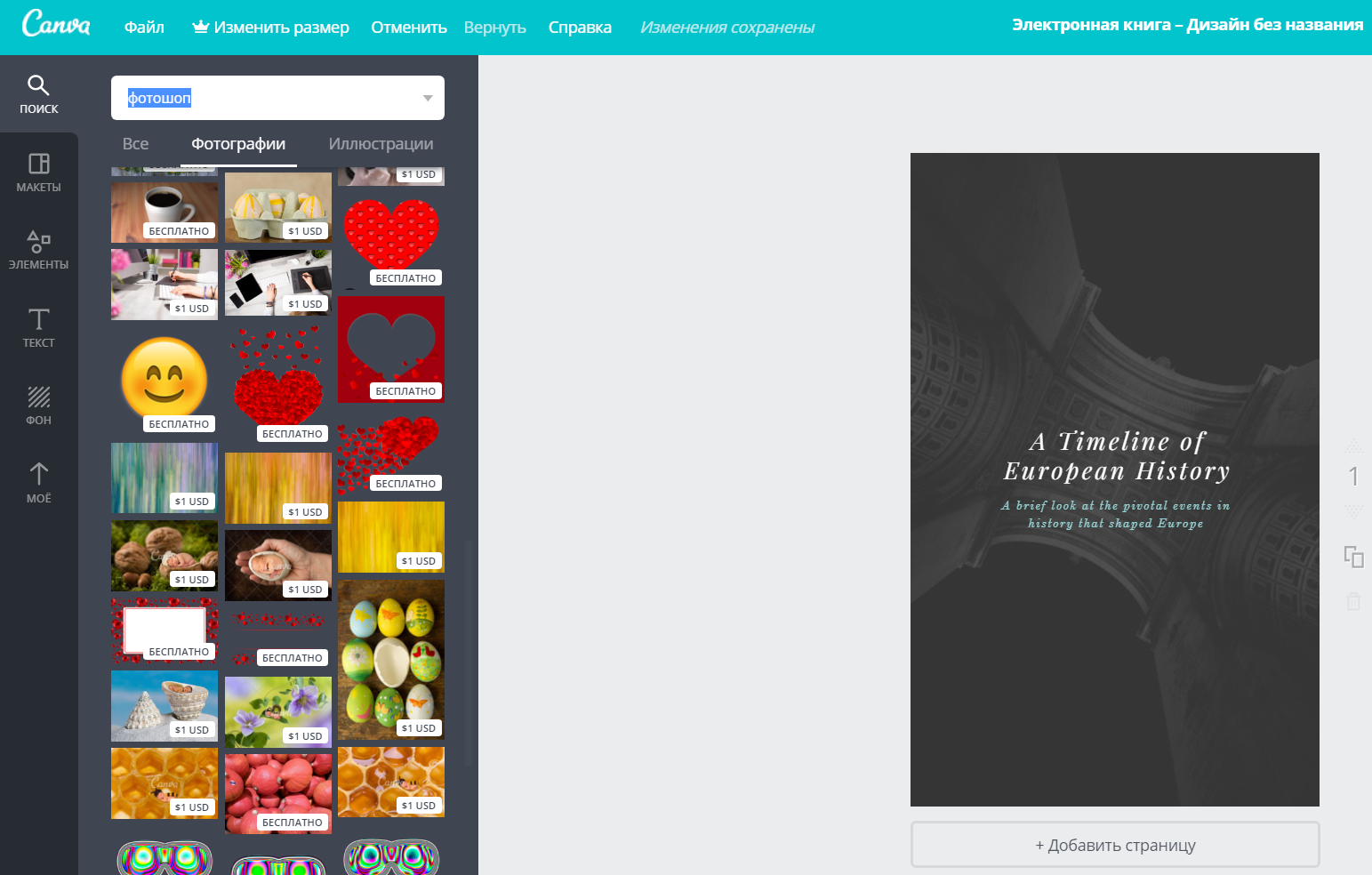
Also worth noting is the search for elements for the layers of your future layout. It is very convenient, especially in cases when you need to quickly find the necessary file. But! It should be noted that not all photos are free...
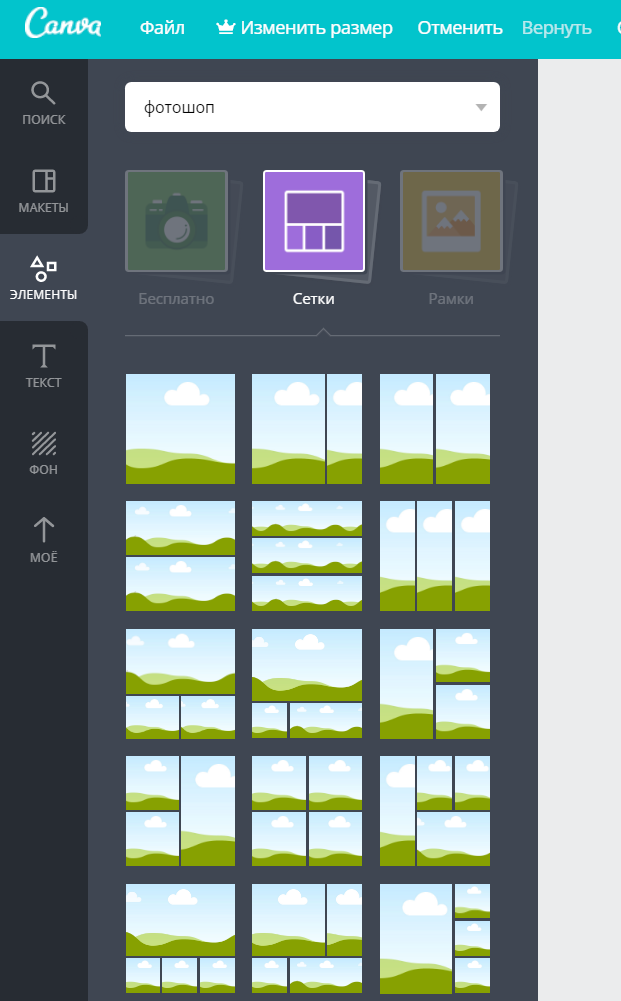
The convenient grid layout function can save a lot of time, as it was initially created for these purposes. You simply take a ready-made design and edit it in the online editor. The only smart point here for me was "Resizing" - to change the width and height in the grid you need to purchase a premium account.
Undoubtedly, this solution will make many delete Photoshop, or its analogues on the computer, since the speed of cloud computing is incomparable with software on a hard drive, and only the Internet will be needed. Nevertheless, I lean toward choosing optimal programs and universality - what online editors can do, computer programs cannot always do, and vice versa. Photoshop, in my opinion, is the leader among graphic editors, and there is simply no replacement for it either offline or online.
How to use Canva
Summary
Overall, a not safe service, but people need to earn money somehow. If compared with Photoshop itself, then of course, there is still a lot of room for growth...