Children's Desktop Wallpapers: How to Choose What Delights and Doesn't Harm
Children look at computer screens far more often than we're willing to admit. Homework, educational games, video calls with grandparents — the computer long ago stopped being "adult territory." And what greets a child after system boot matters. Well-chosen children's wallpapers calm, develop and even teach — poorly chosen ones irritate and distract. After years of working with digital content, I've curated hundreds of children's desktop images and can now share what you won't find in automated collections.
The main problem with most "for kids" wallpaper collections is they're assembled on the principle of "bright and cute." Without considering age, without understanding that a three-year-old and a ten-year-old need fundamentally different things. Here we'll break down 5 children's wallpaper categories, an age-appropriateness table, resolution pitfalls and parental controls. Let's go.
\u{201c}The child builds himself through what surrounds him. The environment must be prepared with love and understanding.
Table of Contents (click to expand)
- 5 categories: cartoons, animals, educational, fantasy, superheroes
- Age group table: which wallpapers for which age
- Category comparison table: functions and safety
- Educational wallpapers: when images teach better than textbooks
- Resolution for kids' devices: tablets, old laptops, modern PCs
- Best free sources for children's wallpapers
- Parental considerations: safety, ads, copyright
- Collection organization and seasonal themes
- FAQ — 10 common questions
5 Categories of Children's Wallpapers: From Cartoons to Superheroes
Children's wallpapers are not a monolithic category. The difference between a kitten image and Superman is roughly the same as between watercolor and oil paint — different tools, different results. A child reacts to them differently, and that's perfectly normal. Understanding the categories saves hours of searching and prevents tears of "mom, take this away."
| Category | Example Characters/Subjects | Age Range | What It Develops |
|---|---|---|---|
| Cartoons | Paw Patrol, Frozen, Peppa Pig, Bluey, SpongeBob | 3-7 years | Emotional attachment to familiar characters, sense of security |
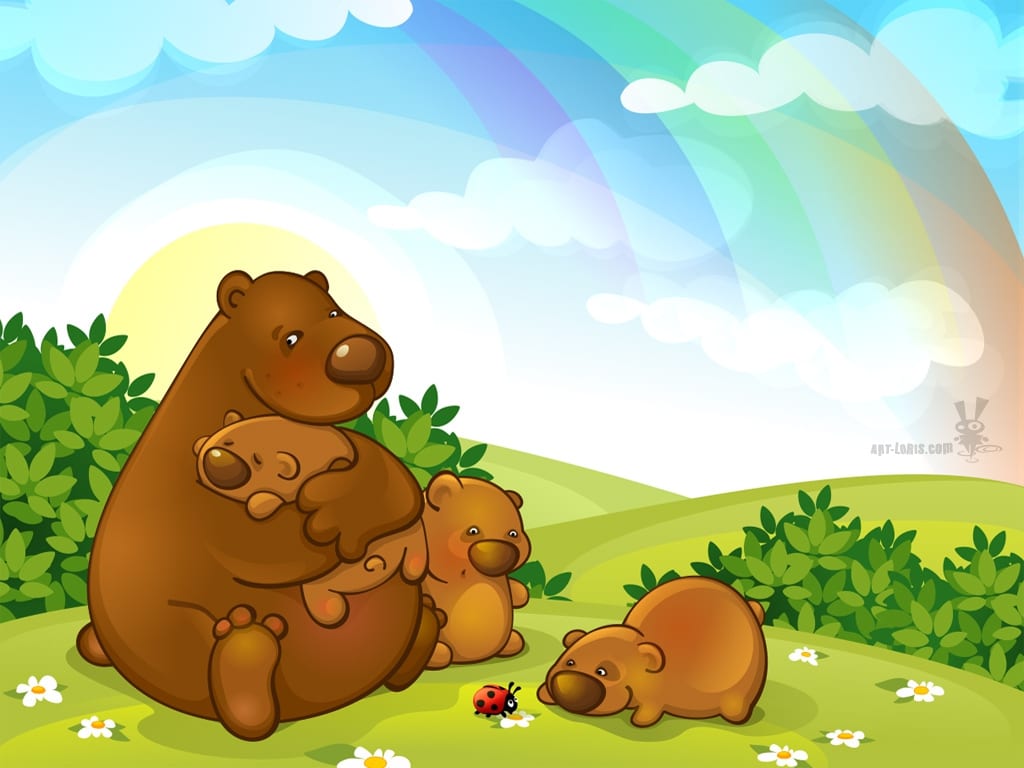
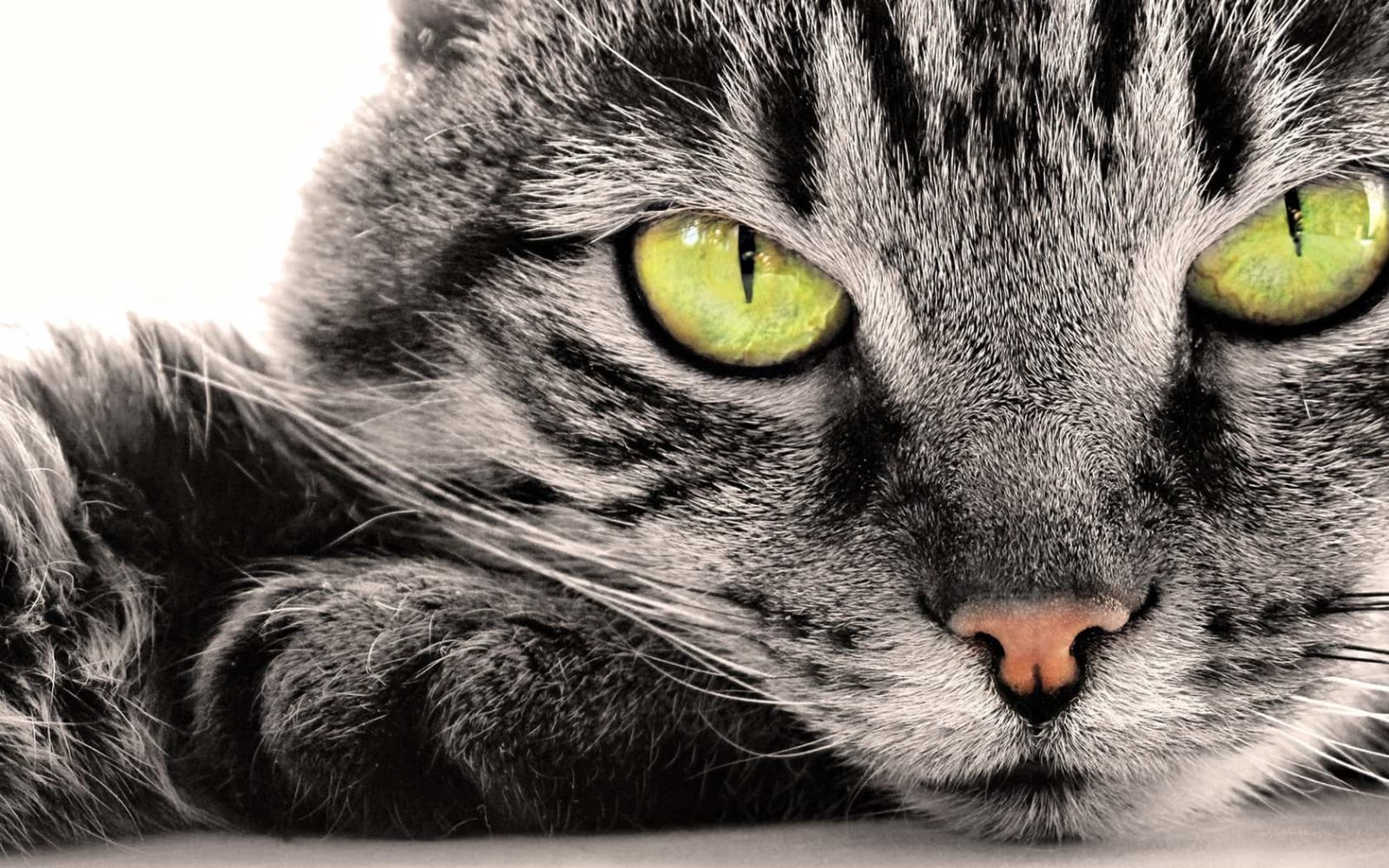
| Animals | Kittens, puppies, pandas, dolphins, horses | 3-12 years | Curiosity, empathy, interest in nature |
| Educational | Alphabet, numbers, world map, periodic table, constellations | 5-14 years | Passive memorization, spatial thinking, general knowledge |
| Fantasy & Fairy Tales | Dragons, castles, unicorns, enchanted forests, elves | 6-14 years | Imagination, creative thinking, aesthetic taste |
| Superheroes | Spider-Man, Batman, Iron Man, Captain America, Wonder Woman | 8-16 years | Motivation, sense of justice, identification with role models |
Notice the age boundaries? Cartoons work up to age 7, because after that children start considering them "baby stuff." Superheroes, conversely, aren't necessary before age 8 — young children don't understand the plots and don't identify with the character. Age here isn't a formality; it's the key to whether the child will even look at these wallpapers.
Categories and Their Functions: Comparative Table
It's not enough to know which categories exist. You need to understand exactly what task each one solves. Educational wallpapers can irritate if the child is tired of school. Cartoons can distract when concentration is needed. Let's lay it all out clearly.
| Category | Primary Function | Risks / Downsides | Safety (Ads/Viruses) | Recommended Resolution |
|---|---|---|---|---|
| Cartoons | Creating a comfortable, familiar environment | Gets boring quickly, tied to trends | Medium — many fan sites have ads and trackers | 1920x1080 — sufficient for tablets and kids' laptops |
| Animals | Calming effect, developing love for nature | Scary predators may frighten toddlers | High — Unsplash, National Geographic Kids are safe | 1920x1080 - 2560x1440 |
| Educational | Passive learning through visual contact | Information overload, rapid fatigue | High — educational sites rarely contain malware | 2560x1440 — small text requires clarity |
| Fantasy & Fairy Tales | Stimulating imagination and creativity | Dark themes may cause anxiety | Medium — many AI generations with artifacts | 1920x1080 - 3840x2160 |
| Superheroes | Motivation, role identification | Violence scenes, aggressive poses | Low — pirate comic sites often contain malware | 1920x1080 — comic style doesn't require ultra-high resolution |
Key takeaway: the "animals" and "educational" categories are the safest in terms of content and sources. Superheroes and cartoons require parental screening because dozens of shady sites with "free download" banners feed off popular brands, installing anything except wallpapers onto your computer.
Educational Wallpapers: When an Image Works Like a Tutor
The idea is both simple and brilliant: a child sees a multiplication table or world map every time the computer boots — and memorizes it effortlessly. This is called "passive learning," and its effectiveness is confirmed by cognitive psychology research. Information that regularly enters peripheral vision settles into long-term memory faster than information that's deliberately crammed.
Which educational wallpapers actually work:
- Illustrated alphabet (ages 4-6): each letter accompanied by a picture of a familiar object. The child connects the symbol with the image rather than memorizing an abstract shape. Wallpapers with letters in a row on a soft pastel background work best — they don't strain the eyes.
- Multiplication table (ages 7-9): a classic tested by generations. Place it in the center of the screen — the child will see it every time the desktop opens. Within a month, even the most stubborn second-grader will start answering faster than a calculator.
- World map with animals (ages 6-12): characteristic animals placed on continents: kangaroos in Australia, penguins in Antarctica, pandas in China. The child learns geography without even realizing it. These wallpapers work great for the entire school year.
- Periodic table of elements (ages 12-16): for older kids. A full periodic table on the desktop is something a teenager will study out of pure curiosity. Silver — Ag? Why? Where does that name come from? One question leads to another.
- Constellations and space (ages 8-14): a star map with labeled constellations. Double benefit: beautiful and educational. On a dark background, it doesn't strain the eyes during evening computer work.
Educational wallpapers look best at 2560x1440 and above — small text must be crystal clear. At 1366x768 (typical old laptop), the periodic table becomes an unreadable mess. If screen resolution is low, choose wallpapers with large elements: alphabet, world map — not the table of elements.
Screen Resolution: Kids' Tablets, School Laptops and Family PCs
Children rarely have top-tier monitors. It's either an old laptop handed down from parents, a tablet, or a family computer with a large screen shared by all household members in the evening. Each option has its own wallpaper requirements.
Tablets (iPad, Android tablets)
Typical resolution: 2048x1536 (iPad) or 1920x1200 (Android). Wallpapers should be bright but not garish — tablets are often used at maximum brightness, and acidic colors hurt the eyes. Look for portrait-orientation images for the home screen and landscape for the lock screen. Best categories: cartoons and animals.
School laptops (11-15 inches)
Typical resolution: 1366x768. The most problematic option. At this resolution, details get lost, so choose wallpapers with large objects and no small text. No educational wallpapers with tables — they're unreadable. Optimal categories: animals (close-ups), superheroes (single characters, not group scenes), fantasy (landscapes, not detailed scenes).
Family PCs (21-27 inches)
Typical resolution: 1920x1080 or 2560x1440. Here the field is wide open — any categories, any styles. The only nuance: if both adults and children use the computer, agree on rotation. My recommendation: children's wallpapers in the morning and daytime, neutral or adult wallpapers in the evening. Set up a slideshow with folders — one folder for kids, one for shared use.
How to set upOn Windows, slideshow setup takes 30 seconds: Settings → Personalization → Background → Slideshow → pick a folder. Set rotation every 3 hours — morning/day/evening. time-of-day wallpaper rotation is easier than it sounds. Create three folders: "Morning," "Day," "Evening." Sort wallpapers into them. Windows will switch them at the set interval, and the computer will always look appropriate.Where to Download Children's Wallpapers Free: Trusted Sources
I've sifted through dozens of resources and picked the ones without viruses, adult banners and endless redirects. Here's my personal list.
Official cartoon and brand websites
Disney, Nickelodeon, Cartoon Network, PBS Kids — they all have sections with free wallpapers. Studio quality, high resolution, no ads. This is the safest source for children aged 3-7 — you know the character is official and the page has no "You won an iPhone!" pop-ups. The downside: selection is limited to current franchises only.
National Geographic Kids
The Photography section on the NG Kids website offers thousands of animal photos at up to 2048 pixels. No watermarks. One-click download. Content passes editorial review — no scenes of cruelty or unnatural situations involving animals. For children aged 5-12, this is the gold standard of animal wallpapers.
Unsplash and Pexels
Search for "children wallpaper," "animals cute," "kids education." Filter by orientation (landscape). The main advantage of stock sites is the license. All photos on Unsplash are distributed under the Unsplash License: you can use, copy, modify without asking. No claims from rights holders — ever.
Wallhaven — with SFW filtering
Wallhaven is a massive wallpaper archive with a convenient tag system. Search for "children" or "kids" with the SFW (Safe For Work) filter enabled. Sort by resolution, aspect ratio and color palette. Extra plus: you can exclude tags — for example, search "fantasy" excluding "horror" and "dark" to get fairy-tale rather than grim fantasy.
Specialized educational websites
Twinkl, Teacher's Pet, SparkleBox publish educational posters in high resolution. Some content is paid, but free materials provide enough for a full collection. Educational wallpapers from teachers are better than those from designers — because teachers know how to present information so it's absorbed, not just hung as a pretty picture.
Parental Considerations: Safety First
An adult can distinguish a harmless site from a phishing one in a second. A child cannot. And if you install wallpapers for them from the internet, you're opening a door to their digital world. Parental screening of children's wallpaper sources isn't paranoia — it's basic digital hygiene.
What to look for when choosing a wallpaper source for a child:
- No pop-up windows: if opening a site triggers a "Congratulations, you're a winner!" window — close the tab. It's not a prize; it's an attempt to install adware.
- SSL certificate check: the address bar should show a padlock. Sites without HTTPS in 2025 are a red flag.
- No advertising with questionable content: even if the site is legitimate, the ad network may serve content not intended for children. Install an ad blocker on the child's computer.
- Preview images before applying: download, open and view full screen. Make sure the image contains no hidden elements, ambiguous text or aggressive scenes.
- Use a separate Windows user account for the child: this is a basic technique that solves 90% of problems. The child has their own account with limited rights, their own wallpapers, no access to system settings. They can't accidentally delete your files or install software.
Let me say this explicitly about so-called "children's wallpapers" on torrent trackers and file-sharing sites. Never download wallpaper archives from torrents. You don't know what's inside. Images can be infected via steganography (hidden malicious code embedded in the picture) or the archive may contain executable files disguised as JPGs. This happens rarely, but it happens. The risk isn't justified when dozens of safe sources exist.
Organizing Your Collection: Seasonal Themes and Rotation
A child's psyche works differently than an adult's. If an adult is comfortable looking at the same image for months, a child needs novelty. Children's wallpapers live on the desktop for 3 days to 2 weeks — then interest fades. Hence the practical conclusion: the collection should be organized so that changing wallpapers is quick and easy.
The folder system for children's wallpapers I recommend to parents:
- "Now" folder — 5-7 wallpapers currently in rotation. These are what the child sees. Swap contents every week.
- "Season" folder — autumn (yellow leaves, school, harvest), winter (snowmen, Christmas, ice skating), spring (flowers, streams, birds), summer (sea, sun, vacation). 20-30 images in each seasonal subfolder. Change every 3 months.
- "Holidays" folder — Christmas, Easter, Birthday, Halloween, Valentine's Day. Set 3-5 days before the holiday, remove a day after.
- "Archive" folder — everything that's become boring or age-inappropriate. You can retrieve items after six months — for a child, they'll feel new again.
Seasonal rotation is a powerful tool. Imagine: a week before Christmas, wallpapers with a tree and Santa appear on the desktop. The child opens the computer — and the holiday atmosphere is already here. It works as an anchor: the computer stops being just "the homework place" and becomes part of holiday anticipation.
For automation, use Windows built-in slideshow. Set wallpaper rotation every 3 hours — this way, over the course of a day, the child will see 3-4 different images from the "Now" folder. This retains interest better than a single static image.
Children of Different Ages: What to Set at 3, 7, 10 and 14 Years Old
Developmental psychology says it clearly: a three-year-old and a ten-year-old live in different worlds. Wallpapers that thrill a seven-year-old may earn contempt from a teenager. And vice versa — what a thirteen-year-old likes can frighten a preschooler.
Ages 3-5: the world of large forms
Preschoolers perceive an image as a whole, without delving into details. They need large, bright, recognizable objects on a simple background: one kitten, one bear, one cartoon character. No collages — they read as mush. No complex compositions. Wallpapers should be "readable" from 6-9 feet away — children often look at the screen from a distance.
Ages 6-8: plot and narrative
At this age, children begin "reading" an image as a story. Wallpapers with a simple plot work better than single objects: a squirrel carrying a nut, a knight fighting a dragon (in cartoon style), a ship sailing the sea. The child "reimagines" the story anew each time — the wallpaper doesn't get boring. Scenes from favorite cartoons work excellently.
Ages 9-11: self-identification
The search for self begins. Boys want superheroes, girls want fantasy and unicorns (though boundaries are blurring). The child chooses wallpapers to declare their interests. This is the age when you should let the child choose their own wallpapers — from a safe pool you've pre-selected. A sense of control over their own space is critically important for an elementary schooler.
Ages 12-16: teenage minimalism
Teenagers abruptly reject "childish" imagery. Cartoons are "for babies," superheroes are "mainstream." They gravitate toward: abstract landscapes, tech aesthetics, minimalism. Educational wallpapers (world map, historical periods, scientific diagrams) work again at this age — but not as "the teacher hung it up," rather as "I chose this interesting topic myself." The teenager must believe this is their choice, their space, their aesthetic.
Parental hackGive your teenager 3-4 folders with pre-selected wallpapers and say: 'Pick what you like.' The absence of pressure works 10 times better than 'I downloaded these nice bunny wallpapers for you.' The teenager will come around to what you've prepared on their own. with teenagers: don't impose. Select 50-70 images of neutral themes (nature, space, cities, technology), put them in one folder, set up a slideshow. Say: "If something's not to your liking, delete it — it's your computer." Works flawlessly.Frequently Asked Questions About Children's Wallpapers
At what age can children have desktop wallpapers?
From the moment a child uses the computer consciously — usually around age 3-4. For toddlers, choose wallpapers with large objects (one character on a simple background), avoid flickering details and aggressive colors. Before age 2, wallpapers don't matter — the child doesn't perceive the desktop as part of their space.
Is it safe to download wallpapers featuring cartoon characters from the internet?
Safe if the source is the official rights holder's website (Disney, Nickelodeon, Cartoon Network). Fan sites and wallpaper collections often contain aggressive advertising, trackers and sometimes malicious code. Rule: downloading from an official site — safe. Downloading from random-wallpaper-site.com — risky. Always check sites through VirusTotal before downloading.
How often should children's wallpapers be changed?
The optimal interval is every 1-2 weeks. More often — the child doesn't have time to get used to them. Less often — the wallpapers stop being noticed. Seasonal rotation (autumn/winter/spring/summer) adds 4 mandatory changes per year. If the child asks to change wallpapers sooner — don't refuse: it's a sign they perceive the computer as "their" space and want to control it.
What resolution wallpapers are needed for a children's tablet?
Depends on the model. iPad: 2048x1536 (Retina). Most Android tablets: 1920x1200 or 1280x800. Go to "Settings → Display" and check "Resolution." Download wallpapers matching this value exactly. Tablets are often used in portrait mode — look for images that look good in both horizontal and vertical orientation.
Can superhero wallpapers cause aggression in children?
No direct link between static superhero images and aggressive behavior has been found. Research on media content's influence on children concerns dynamic content — movies, games, cartoons — not static images. However, if wallpapers depict fight scenes, weapons and aggressive poses, this may increase general arousal levels. For children under 8, choose wallpapers where the superhero is shown in a neutral or heroic pose, not mid-battle.
Where can I find Christmas and holiday children's wallpapers?
Best sources: official cartoon websites (they always have seasonal collections), Unsplash (search "Christmas kids wallpaper" or "New Year children"), Pinterest (search by specific query, go to the original image and check resolution). Start searching 3-4 weeks before the holiday — during peak season, good images disappear fast.
Should animated wallpapers be disabled for children?
For children under 7 — strongly recommended to disable. Animated wallpapers (Wallpaper Engine, live wallpapers on tablets) consume CPU and GPU resources, slowing down the computer. For a gaming PC this is unnoticeable, but children's laptops and tablets are often low-powered. Additionally, constant movement in peripheral vision distracts from the main task — especially during homework. If the child complains about slow performance — start by disabling animated wallpapers.
How to protect children's wallpapers from accidental changes or removal?
Create a separate Windows user account for the child without admin rights. In their account, they can change wallpapers as much as they want — it won't affect your account. To completely prevent wallpaper changes: Local Group Policy Editor → User Configuration → Administrative Templates → Control Panel → Personalization → "Prevent changing desktop background" → Enable. Works on Windows Pro and higher.
Why does my child get bored with wallpapers so quickly and how to deal with it?
Rapid adaptation to a visual stimulus is normal for a child's psyche. Children process visual information faster than adults, so novelty fades within a few days. Solution: slideshow with rotation of 7-10 images changing every 3-6 hours. Replace 1-2 images in the rotation each week. Constant micro-novelty retains interest better than a single image for a month.
Can AI-generated images be used as children's wallpapers?
Yes, with caveats. AI generations (Midjourney, Stable Diffusion, DALL-E) create bright, attractive images but often contain anatomical artifacts: extra fingers, distorted faces, unnatural proportions. A child won't notice this — but subconsciously reads the unnaturalness. Second point: licensing purity. AI images created with commercial services are generally allowed for personal use. Check the terms of the specific service you're using.
Tap to react