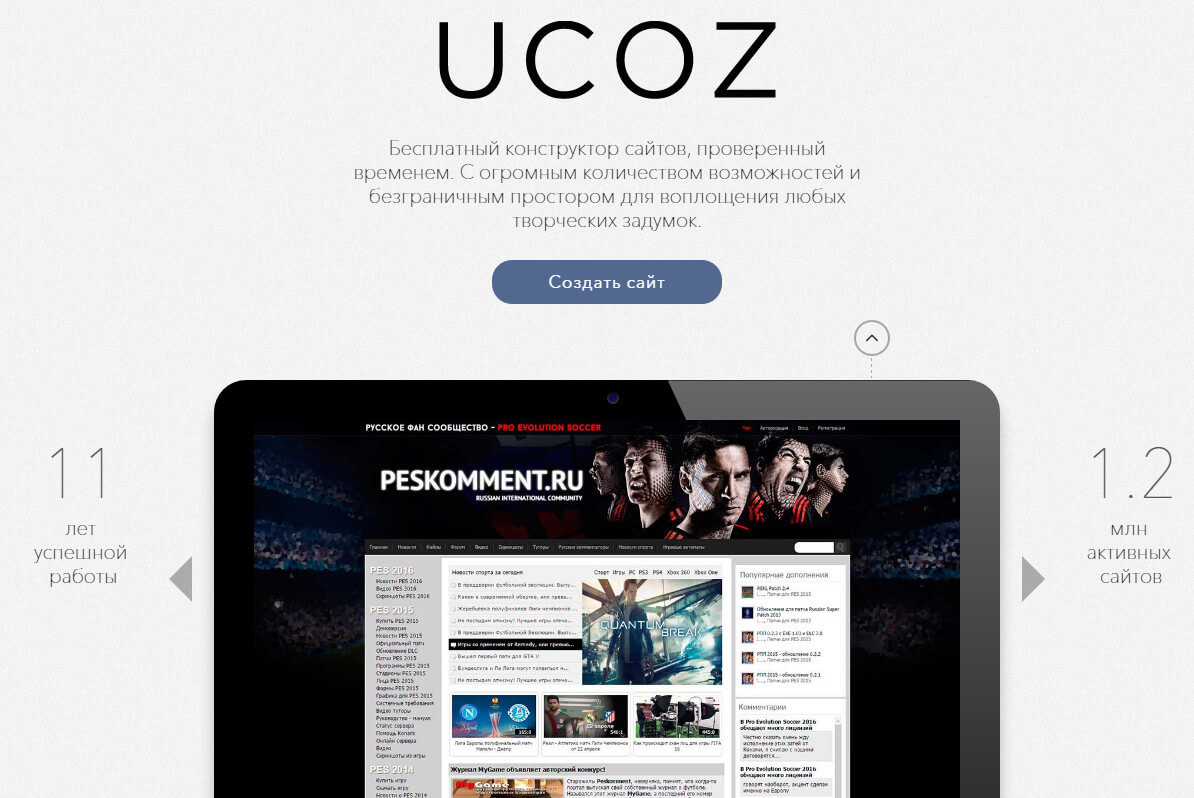
There are dozens of website builders on the market today. Wix, Squarespace, Tilda, WordPress.com — you name it. But among all of them, uCoz holds a special place. Launched over 20 years ago, it remains one of the oldest actively maintained website building platforms on the internet. It started as a free CMS for hobbyists and evolved into a full-fledged platform capable of running serious projects.
I have been using uCoz on and off since 2007. Back then it was the easiest way to get a site online without knowing a single line of code. Fast forward to 2026, and the platform has changed significantly. New visual editor, responsive templates, SEO tools, and even an app market. But is it still a good choice for professionals? Let us dig in.

What Is uCoz?
uCoz is a hosted website builder and content management system combined. Unlike self-hosted solutions like WordPress.org, you do not need to buy hosting or install anything. You register, pick a template, add modules, and your site is live. The platform handles all the technical aspects: server maintenance, security updates, database management, and performance optimization.
The platform offers over 30 modules including blogs, forums, photo galleries, online stores, file catalogues, polls, and more. Each module can be enabled, configured, and positioned on your pages through a drag-and-drop interface. This modular approach makes uCoz incredibly flexible — you can build anything from a simple business card site to a full-fledged e-commerce store.
Key Features
Let me walk through what actually makes uCoz worth considering. First, the template system. You can choose from hundreds of ready-made designs or build your own using HTML, CSS, and JavaScript. The template language is straightforward, and uCoz provides detailed documentation for customizing every element.
Second, SEO tools. uCoz includes built-in meta tag management, clean URL generation, XML sitemap generation, and integration with search consoles. For a hosted platform, the level of SEO control is impressive. You can set individual meta descriptions for each page, configure robots.txt, and manage redirects.
Third, the module system is what sets uCoz apart. Instead of installing plugins like in WordPress, you enable modules from the admin panel. Want a forum? Enable the forum module. Need a photo gallery? Click the gallery module. Each module comes with its own set of settings, so you do not have to hunt for the right plugin and wonder if it is compatible with your version.
Pricing
uCoz has a free tier with 400 MB of disk space and uCoz subdomain. It is ad-supported — uCoz places its own ads on your site. For serious projects, paid plans start at around $5 per month for the minimum paid tier and go up to $30 per month for the maximum plan with unlimited storage, no ads, and priority support.
| Plan | Storage | Ads | Custom Domain | Price (per month) |
|---|---|---|---|---|
| Free | 400 MB | Yes | No | Free |
| Minimum | 2 GB | No | Yes | $5 |
| Basic | 5 GB | No | Yes | $10 |
| Optimum | 15 GB | No | Yes | $18 |
| Maximum | Unlimited | No | Yes | $30 |
In my experience, the Minimum plan is enough for a personal blog or a small business site. For an online store, go with Basic or higher to get database support and extra storage.
uCoz vs Alternatives
| Feature | uCoz | Wix | WordPress.com | Tilda |
|---|---|---|---|---|
| Hosting included | Yes | Yes | Yes | Yes |
| Free plan | Yes (ad-supported) | Yes (ad-supported) | Limited | Limited |
| Custom domain on free | No | No | No | No |
| Built-in forum module | Yes | App needed | Plugin needed | No |
| E-commerce | Yes (module) | Yes (built-in) | Via plugin | Yes |
| HTML/CSS access | Full | Limited | Full (paid) | Limited |
| SEO control | Excellent | Good | Good | Good |
| Price range (paid) | $5 — $30/mo | $17 — $35/mo | $4 — $45/mo | $15 — $40/mo |
uCoz stands out with its forum module (hard to find in modern builders), full HTML/CSS access even on lower tiers, and very competitive pricing. The trade-off is a steeper learning curve and a user interface that feels dated compared to Wix or Tilda.
Who Should Use uCoz in 2026?
uCoz is not for everyone. If you want a drag-and-drop site in five minutes with modern templates, Wix or Tilda will serve you better. But if you need specific functionality like a forum, a file catalogue, or a multi-module portal, uCoz is surprisingly good. It is also excellent for educational projects — many schools and universities in Eastern Europe use uCoz for their websites because the free plan is sufficient for basic informational sites.
Professional web developers will appreciate the template-level access. You can override every part of the design. The platform uses a template language similar to Smarty, so if you know PHP templates, you will pick it up quickly. uCoz also supports JavaScript widgets, custom CSS, and third-party integrations via iframe and API.
Common Pitfalls
uCoz is not without problems. The admin panel can feel overwhelming for beginners — there are so many settings that it is easy to get lost. The template documentation, while extensive, is mostly in Russian, which can be a barrier for English-speaking users. Customer support response times vary; free users might wait a day or two for a reply.
Performance is another consideration. Since uCoz is a shared platform, your site speed depends on the overall server load. Paid plans get better resources, but do not expect blazing-fast load times without optimization. Enable caching, compress images, and minimise the number of active modules to keep things snappy.
Getting Started Guide
Ready to try uCoz? Here is the quick start workflow. Register on the uCoz website, confirm your email, and you land in the admin panel. Pick a template under Design Manager — you can change it later without losing content. Enable the modules you need under Control Panel → Modules. Start with the minimum set: Article Catalog for content, Comments for interaction, and a simple menu. Add pages through the Article module, configure your menu, and publish. Your site is online instantly at your uCoz subdomain.
For a custom domain, navigate to Settings → Domain name, enter your domain, and configure CNAME or A records at your registrar. SSL certificates are available on paid plans — essential for e-commerce and recommended for all sites.
Detailed Use Cases
uCoz has proven itself across many different types of websites over its two decades of operation. Educational institutions form a significant user base. Schools and universities use uCoz to publish news, share learning materials, manage student forums, and maintain photo galleries from school events. The free tier is often sufficient for these purposes, making it accessible for institutions with limited IT budgets. The forum module in particular is valuable for educational communities, allowing students and teachers to discuss assignments, share resources, and collaborate on projects. Many Eastern European educational institutions have relied on uCoz for over a decade, accumulating substantial archives of educational content.
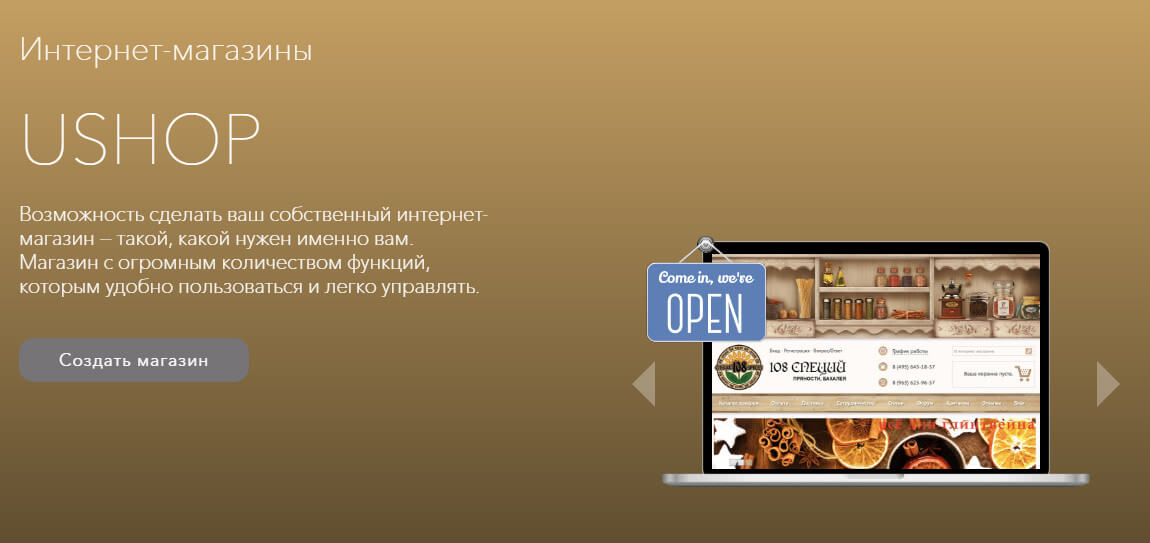
Small businesses also benefit from uCoz capabilities. A local restaurant, hair salon, or repair service can set up a professional-looking website in an afternoon without hiring a developer. The template catalog includes designs suitable for various business types, and the built-in contact forms, Google Maps integration, and photo galleries cover the essential needs of most small businesses. The online store module enables businesses to start selling products online quickly. While it may not match the sophistication of dedicated e-commerce platforms like Shopify or WooCommerce, it covers the basics: product listings, categories, shopping cart, order management, and payment processing through popular gateways.
Personal blogs and portfolios are another strong use case. The blog module offers categories, tags, comments, RSS feeds, and social sharing buttons. The template system allows bloggers to create unique designs that stand out. The file hosting module lets bloggers share downloadable content such as e-books, templates, or software with their readers. Content creators appreciate the lack of algorithmic feed manipulation — every subscriber sees every post, similar to how Telegram channels work.
How to Choose the Right Plan
Picking the right uCoz plan depends on your goals and budget. For a personal blog or a simple business card site, the free ad-supported plan is sufficient. If ads bother you, the Minimum plan at around $5 per month removes them and adds a custom domain. This is the sweet spot for most beginners. For an online store or a portal with more than 1000 daily visitors, go with Basic or Optimum — the difference is in storage space and database access. The Maximum plan is justified for large projects with video content, file archives, and high traffic. If unsure, start with Minimum — upgrading is one click and your data stays intact.
Watch for promotions and discounts. uCoz runs regular sales on annual subscriptions with savings of 30 to 40 percent. Special pricing is available for educational and non-profit organisations — contact support for details. Payment methods include credit cards, e-money, and payment terminals. Paid plans come with a 7-day trial period so you can evaluate all features without risk.
Migration and Backups
One of the biggest fears with website builders is vendor lock-in. With uCoz this is not a problem. The built-in export tool dumps articles, comments, and users into XML. Download this file and keep it safe. For migration to WordPress, converters exist that transform uCoz XML into WordPress format. The process is not perfect — design and some modules do not transfer — but the content is fully preserved. Set up periodic backups manually: once a month, log into the control panel and export the database and template files. It takes five minutes and saves weeks of work in case of a failure.
Technical Aspects of uCoz
Under the hood, uCoz uses its own CMS with a modular architecture. Each module is an independent subsystem with its own database table, display templates, and access permissions. The system runs on PHP + MySQL, but users do not have direct access to these components — the platform manages everything. This is a downside for advanced developers but a huge plus for beginners: no need to worry about security, updates, or server optimisation. The uCoz team handles it all. Templates use a custom tag syntax like $ARTICLE_TITLE$. The syntax is similar to Smarty, so developers familiar with PHP template engines will pick it up in a couple of hours.
Performance-wise, uCoz delivers average results. Thanks to built-in caching, pages load in 2-4 seconds on the free plan and 1-2 seconds on paid plans. If your site is slow, check the number of active modules — each module adds SQL queries on page load. Optimise images before uploading, enable HTML and CSS compression in system settings. For faster loading in regions far from uCoz servers (outside Central Russia), I recommend adding Cloudflare CDN — this can improve speed by up to 50 percent.
Frequently Asked Questions
Is uCoz completely free?
The free plan is ad-supported with 400 MB storage and a uCoz subdomain. Paid plans remove ads and add custom domains, more storage, and extra features.
Can I build an online store with uCoz?
Yes. The Online Store module supports product catalogues, categories, shopping cart, payment gateway integration, and order management. It works well for small to medium stores.
Do I need to know HTML to use uCoz?
Not for basic use. The visual editor and pre-built templates allow you to create a site without code. For custom design work, knowing HTML, CSS, and the uCoz template syntax helps.
Can I migrate my site from uCoz to another platform?
Yes. uCoz supports content export via XML and RSS. You can migrate articles, comments, and user data. Page layouts and design need manual recreation on the new platform.
Does uCoz support multiple languages?
Yes. The platform supports multilingual sites through language packs. You can create content in different languages and let users switch via a language selector.
Is uCoz SEO-friendly?
Very much so. uCoz provides custom meta tags, clean URLs, sitemaps, robots.txt editing, and integration with Google Search Console and Yandex Webmaster.
How secure is uCoz?
uCoz handles server-level security including updates, backups, and DDoS mitigation. Account security depends on your password strength and CAPTCHA settings on forms.
Can I use my own domain with the free plan?
No. Custom domains require a paid plan. The free plan uses yoursite.ucoz.net subdomain.
What kind of support does uCoz offer?
Paid plans include priority email and ticket support. Free users have access to the community forum and knowledge base. Response times vary based on the plan.
Does uCoz have a mobile app for site management?
No dedicated mobile app, but the admin panel is mobile-responsive and works well in a browser. You can manage content, moderate comments, and check stats on your phone.
Can I integrate Google Analytics?
Yes. Paste your Google Analytics (GA4) tracking code in the site footer or head section through the template editor. uCoz also has a built-in statistics module.
What happens if I stop paying for my plan?
Your site is downgraded to the free plan with ads and subdomain. No data is deleted immediately, but you should export your content before the switch.
Is uCoz suitable for a news portal?
Yes. The Article Catalog module with categories, tags, and comments creates a functional news site. Add the RSS module for syndication and the Forum module for community discussion.
Can I install custom scripts and widgets?
Yes. uCoz supports JavaScript, iframes, and HTML widgets. You can integrate third-party services like live chat, booking systems, and social media feeds.
Tap to react