Today we’re going to talk about how to change the order of materials in the Joomla system, or more specifically, how to arrange articles in the order you want them to appear in your blog, category, etc.
First, we need to identify which category we’ll be changing the article display order for.
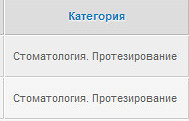
To do this, go to the Article Manager and in the Category filter field, adapt the required value. For example, in my case it will be Dentistry. Prosthetics.

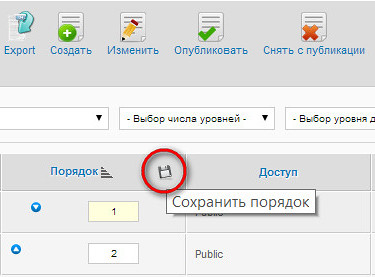
Now look for the column titled Order and click on it.
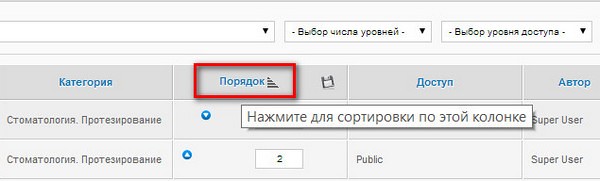
After this action, input fields for setting the position numbers of your articles will appear—here you set the values in the order you want them displayed on the site.
Next, click the save icon, as shown in the image just below.
By default, Joomla sets blog parameters where the articles appear in the order you specified earlier, or in the order Joomla itself deems appropriate. To initiate this, you need to do the following:
Go to the Menu Manager.
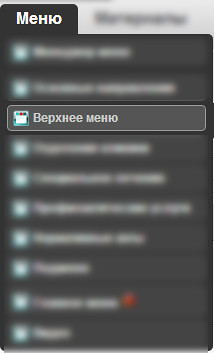
Then select the required value from the existing ones. In our specific example, it will be Prosthetics.
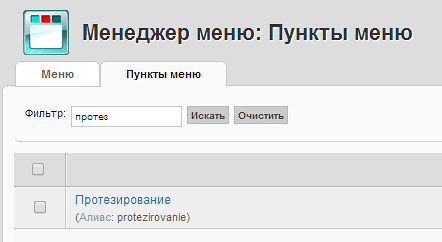
Now go to the menu settings and in the Blog parameters section, under the Materials order sub-item, set it to Order in Article Manager.

Save the menu item and go to the blog—everything should work!
https://www.youtube.com/embed/ZUE8kyuJOAc
Rate this article


