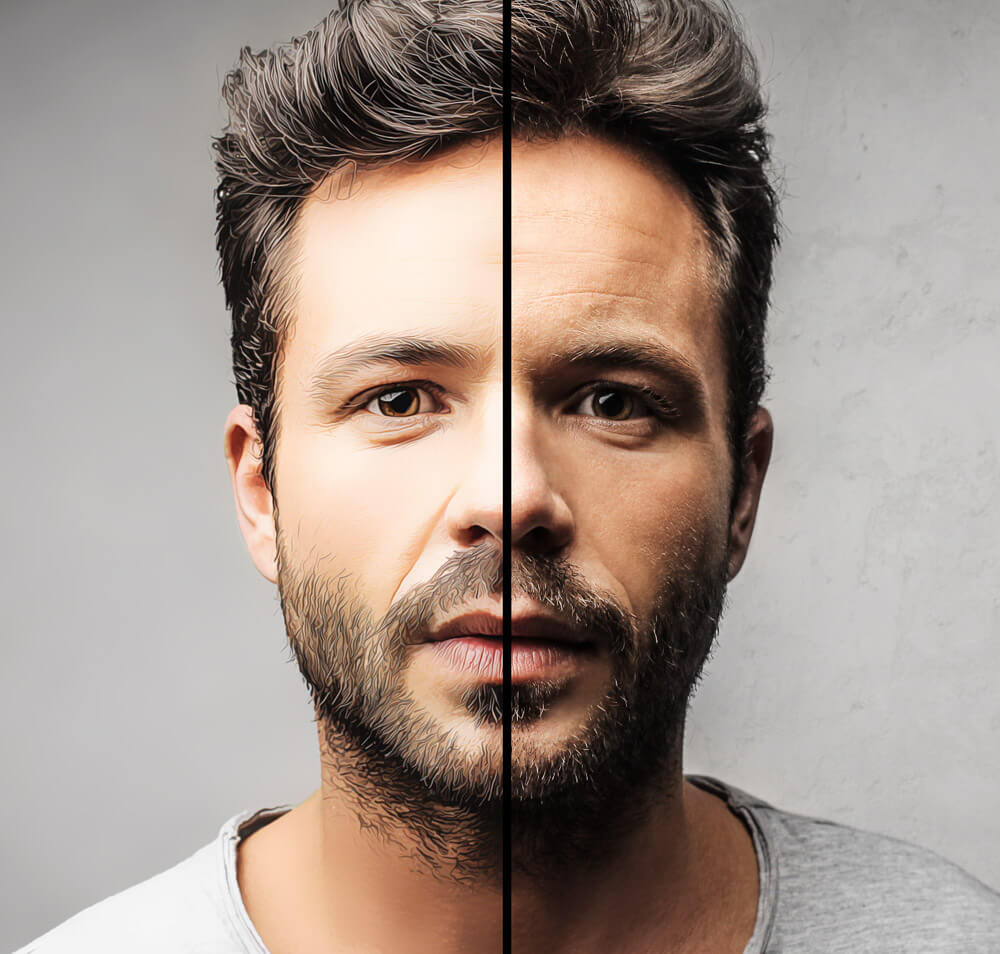
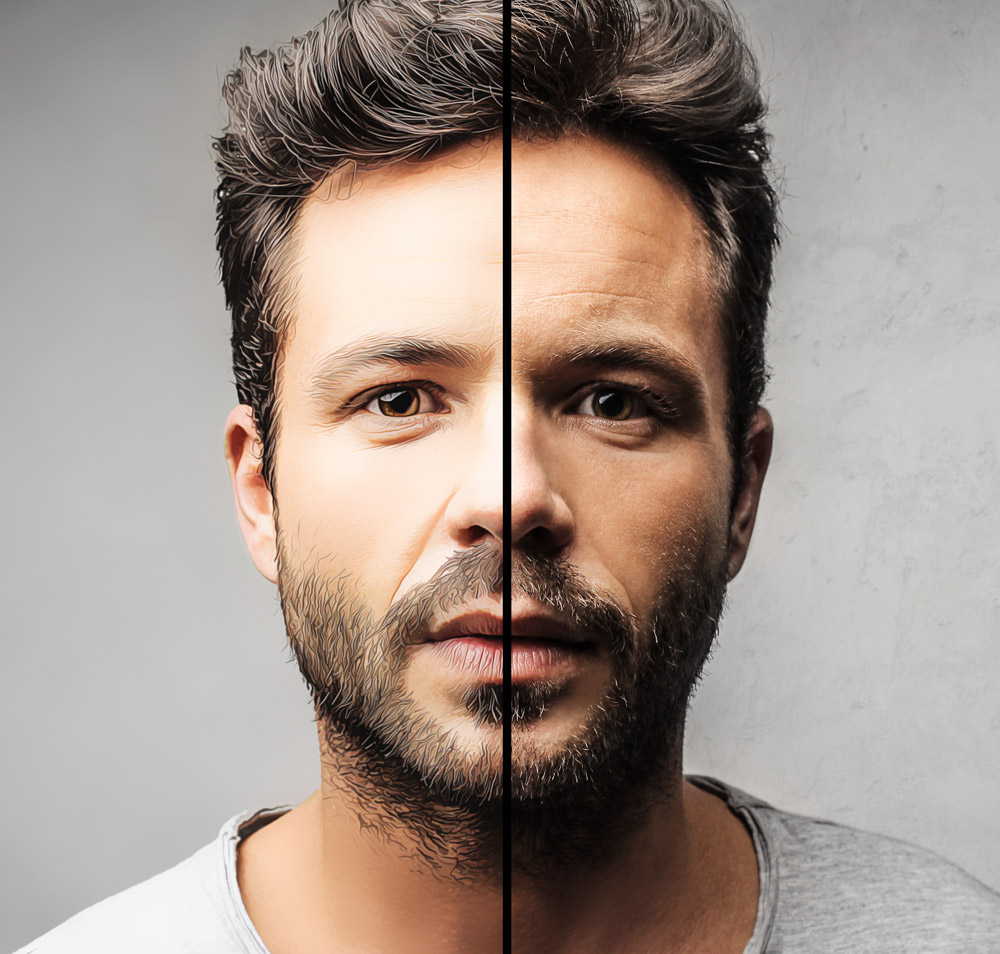
Hidden features of the program Adobe Photoshop are listed below.
1. Store image. In the <wild>Layers</wild>Layers panel, hold down the Alt key and select <wild>Panel Options</wild>Panel Options. A custom icon with a store image will appear.
2. Alternative splash screen. While holding down the Ctrl key, go to the <wild>Help-About Photoshop</wild>Help-About Photoshop menu. A custom Adobe Photoshop version icon with a description will appear. (Each version of Photoshop has its gentle image).
Rate this article