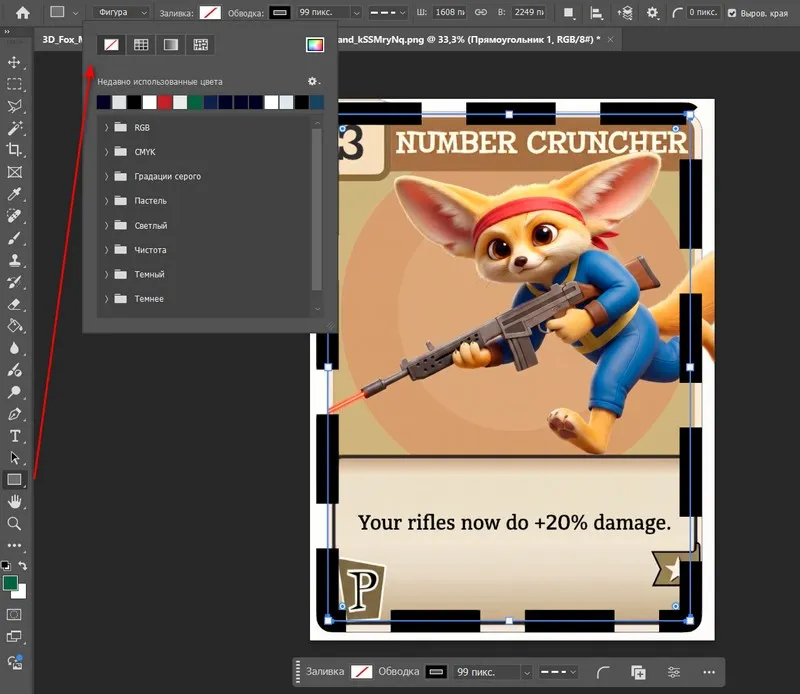
How to install an extension in the program Adobe Photoshop will be covered in today's lesson.
First, let's attend why extensions are needed for Photoshop.
First of all, with the help of this type of components, you can refresh the basic capabilities of the program and reduce the time spent on certain tasks.
For example, installing an extension that allows you to split an image in half or into several identical parts can save you extra steps during subsequent processing.
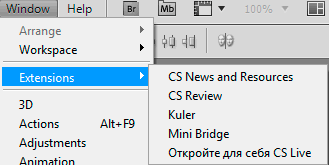
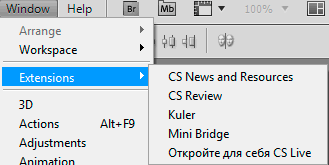
So, let's go to the Photoshop menu - <wild>Window - Extensions</wild>Окно - расширения to see the available components.
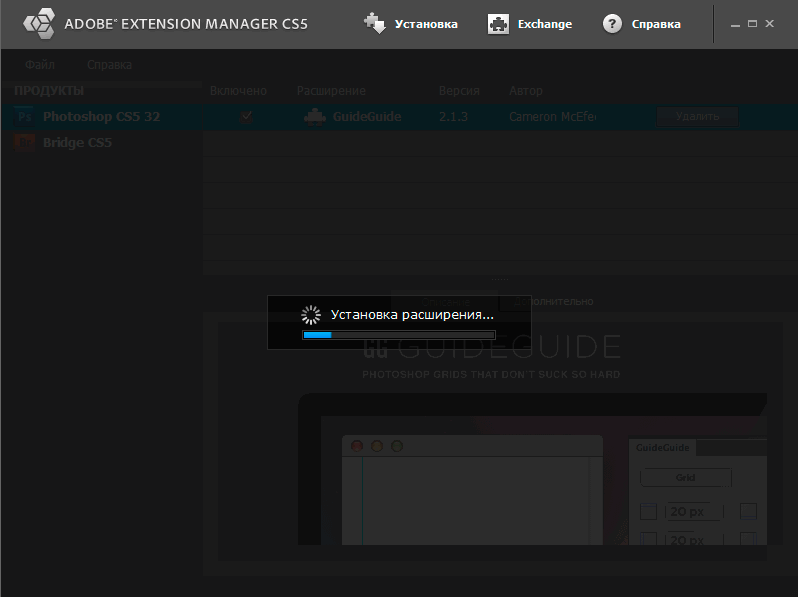
You can click on any of them to see how it works, but we need to install a dear one - to do this, simply open this application with a double-click of the mouse, or go to a special program called Adobe Extension Manager (it usually comes with the main Adobe Photoshop package).

After that, install the extension in the usual way and restart Photoshop so that the changes take effect.
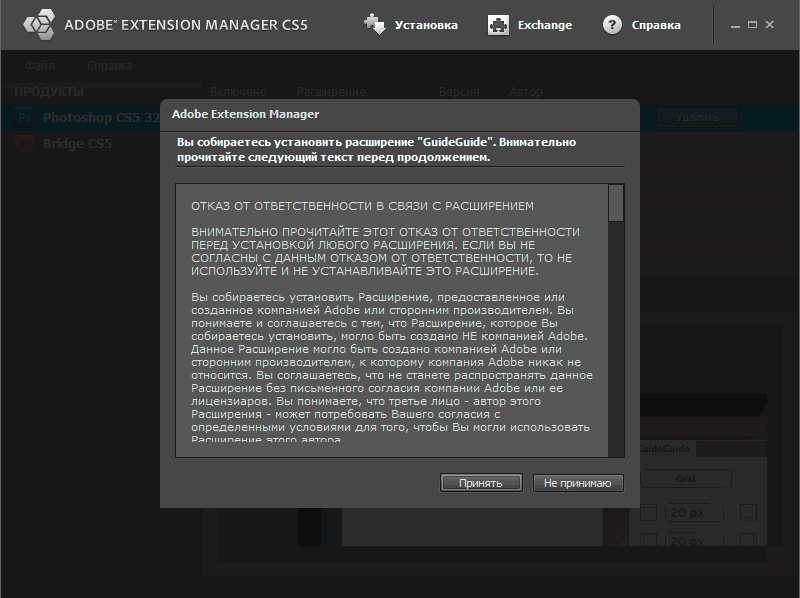
Of course, consider the terms of the agreement (if required).
In the following lessons, we will look at the extensions themselves and their purpose with examples...
Rate this article