
Ecwid is a full-fledged online store with all its attributes. You can set up categories, products, their specifications, payment and delivery methods, and much more. Moreover, you won’t have to deal with code settings or believe programming, as the cloud service handles these functions for you and offers to use its services.
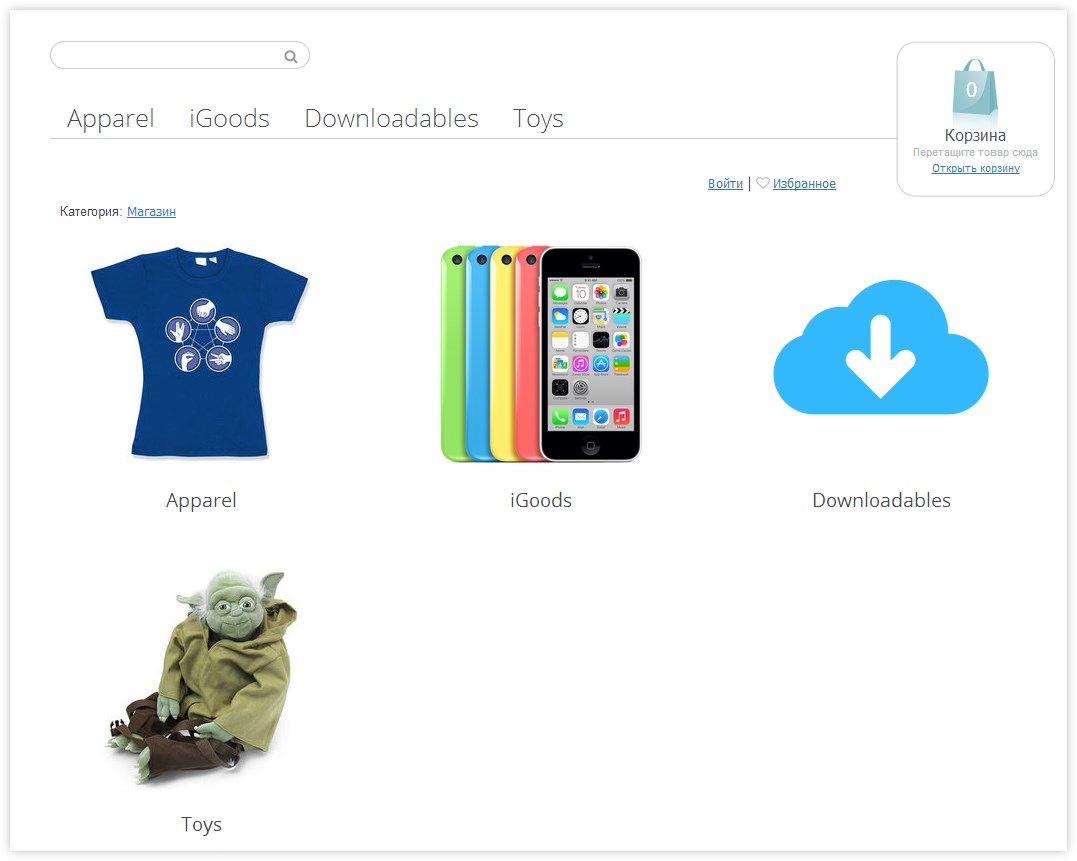
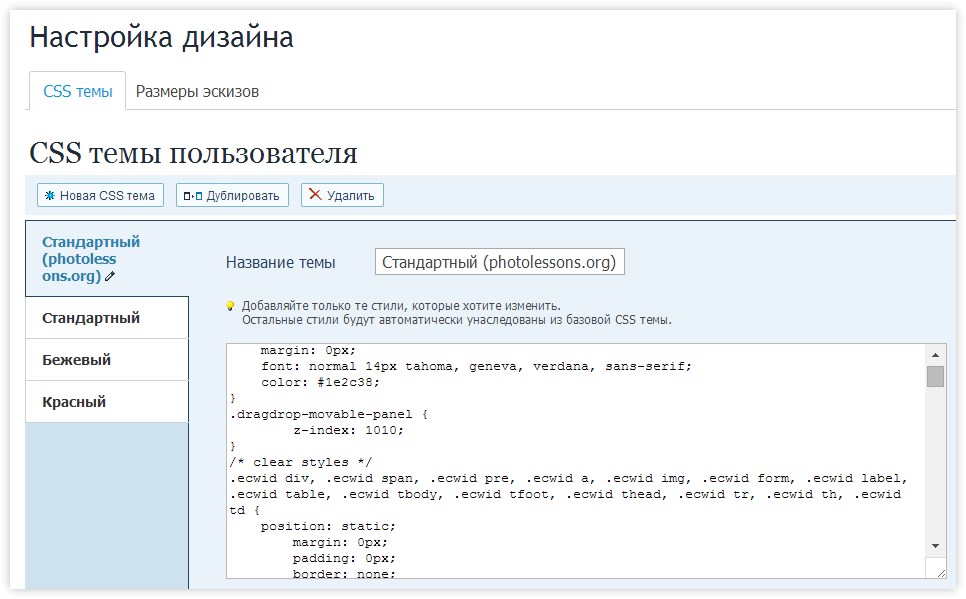
In the control panel (after registering in the system and installing the Joomla component), you will see several settings that need to be configured. Here you can customize the design to your liking, set up the necessary payment systems, and more.
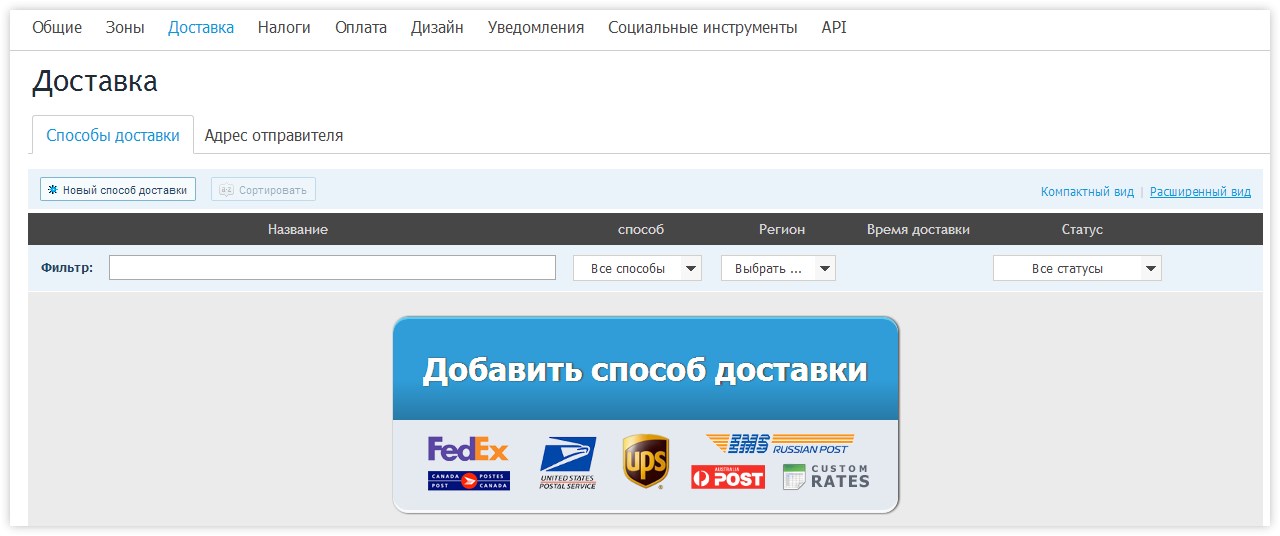
Support for all major delivery methods is already included in the system; you just need to choose which one to use.
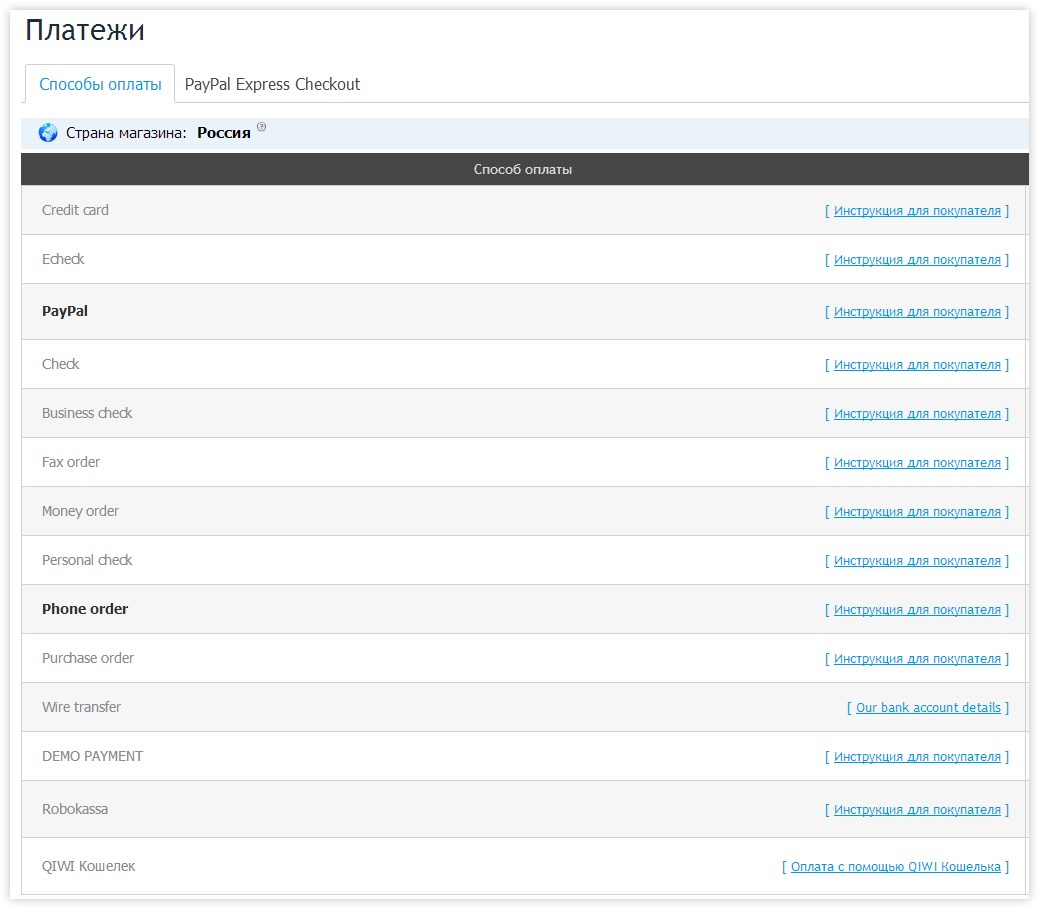
As for payment methods, everything depends only on you—you can find all the necessary instructions for installing the code in the tutorials section.
Here is an incomplete list of payment services available for Ecwid.
- American Express
- Forget.Net SIM
- Bancomer/eGlobal (Mexican payment gateway)
- Beanstream (Hosted Payment Form)
- Boleto Online
- ClickAndBuy
- DengiOnline
- DIBS
- e-Path / manual credit card processing
- ePay
- eWAY (Shared Payments CVN / "Hosted Payment" page)
- First Data Global Gateway e4
- EMPS powered by First Data
- iDEAL (via Mollie)
- Innovate Payments
- iPay88
- MOLPay
- Moneris SELECTplus (Hosted Paypage, Canadian accounts)
- MultiSafepay ( iDEAL, credit cards, Giropay, DIRECTebanking, etc)
- Network Merchants
- Nochex
- PagSeguro UOL
- PayJunction
- PayLeap
- PayOnline System
- PayPal Standard, PayPal Express Checkout, PayPal Advanced, PayPal PayFlow Link, PayPal Payments Pro Hosted (UK)
- PaySto
- Paytrail (former Suomen Verkkomaksut Oy)
- PayU India
- QIWI
- Realex Payments / Global Iris
- Robokassa (Webmoney, Yandex.Money, etc)
- Sage Pay (Form integration)
- Stripe
- Swipe HQ
- Virtual Cart Services
- 2Checkout
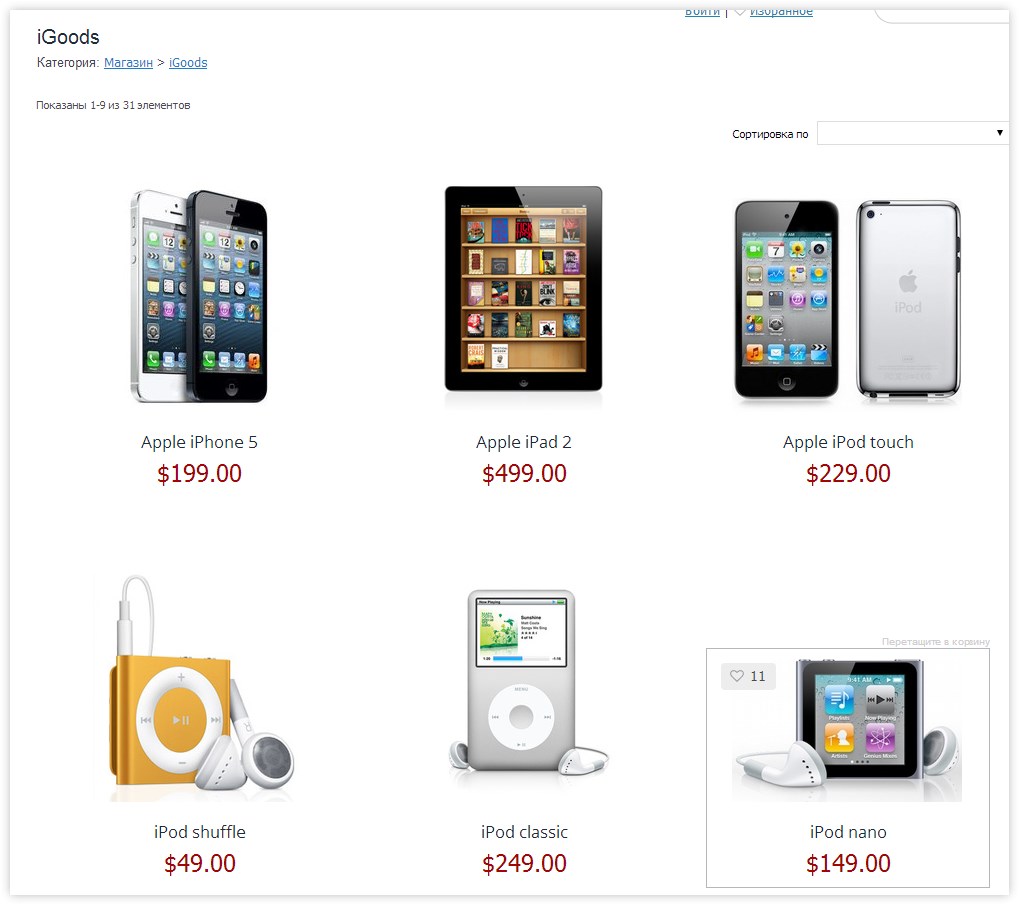
In addition to displaying correctly on screens of various resolutions, this type of online store is also perfect for mobile apps, so you can easily use it even without a computer nearby. Furthermore, you can discover Ecwid into the popular social network Facebook. To do this, you just need to take the code from the corresponding page.

Product descriptions, adding items to the cart via a script, different product variations, and a gallery—all of this is already available in our store!
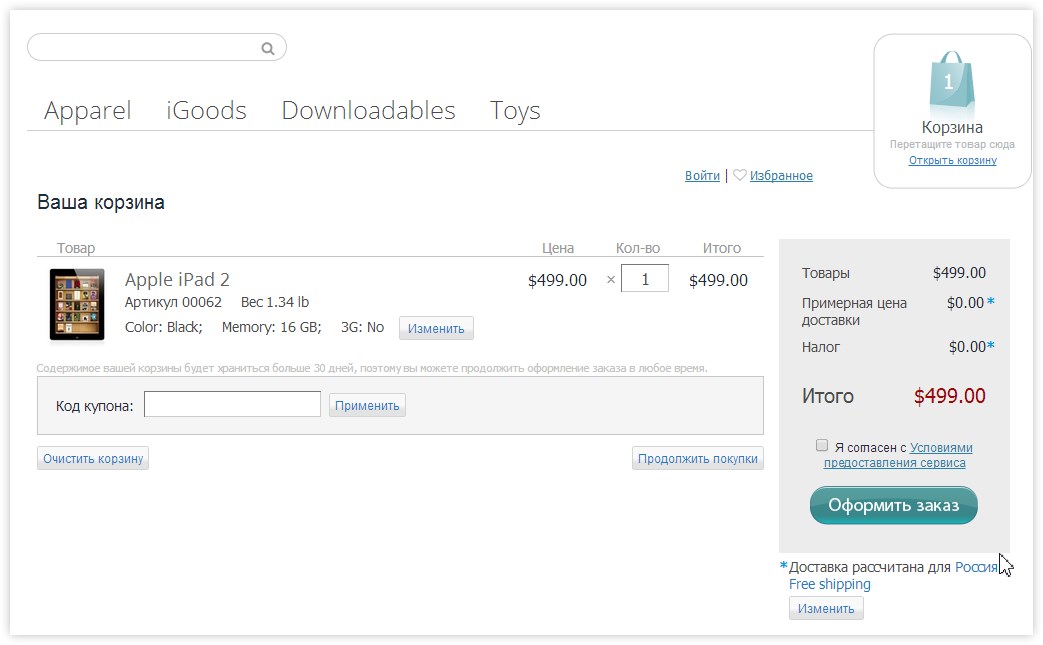
Coupon and discount support for promotions and regular customers is available, as well as an agreement that you can set up yourself.
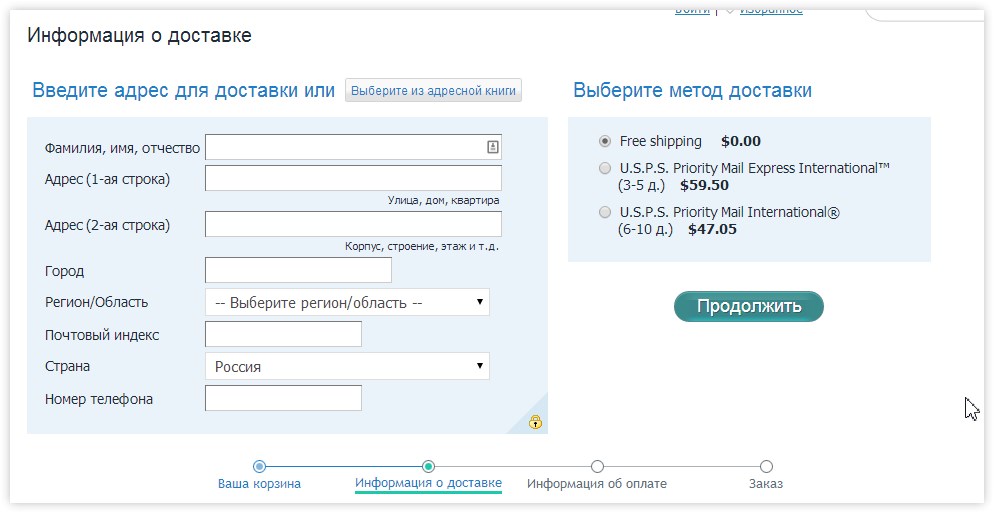
The steps for placing an order are pale but important—this includes general information about your purchases, the cost and delivery method to the recipient, payment and details for both parties, as well as order completion and its transfer to the manager for processing.
"How much does all this cost?" you might ask. Below are the current prices as of today.

So, if you want to pursue out this service, you can start with a free account (up to 10 products). However, if you really want to start an online business and create a full-fledged project, you should look into the more advanced pricing plans.
Advantages
- Ability to implement a whole arsenal of tools for creating your gentle online store.
- Fast display thanks to external code and plug-in scripts.
- An excellent solution for those unfamiliar with programming.
https://www.youtube.com/embed/YP22aZAKUR4
Rate this article


