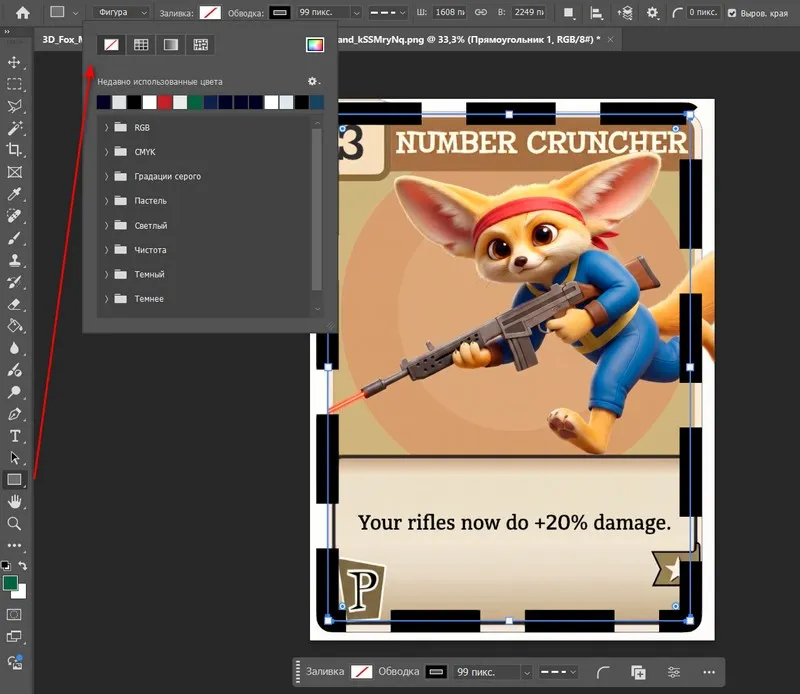
Very often there is a need to preserve an image into several parts. Today we will talk about such a tool as <wild>Slice Tool</wild>Раскройка, and how you can use it to split a photo into parts. This is done very quickly and easily...
Take any document that needs to be divided, say, into 2 parts along the width. This could be an empty A4 sheet.
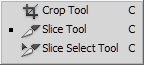
Now take the <wild>Slice Tool</wild>Раскройка and right-click to bring up the context menu of this tool.
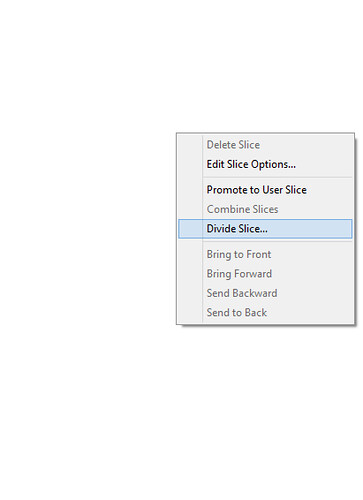
From the provided list, select the <wild>Preserve Slice</wild>Деление item and specify the required values.
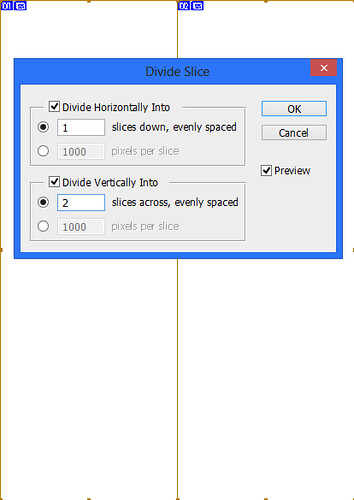
You can use other options, for example, adapt in the fields <wild>Preserve Horizontally Into</wild>Деление по горизонтали в 5, and in <wild>Preserve Vertically Into</wild>Деление по вертикали в 3. This way, we will sing a grid of squares - 5 cells horizontally and 3 cells vertically.
Now, if desired, you can select any of the squares and copy it to the clipboard - and you will have the part of the image you need.
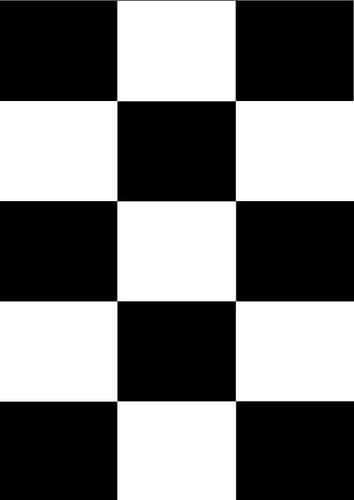
In the image below, I simply copied one of the squares, pasted it onto a dear layer, and filled it with black. Then I copied it again, holding down the Alt key, and placed it into other cells. Here's what I got.

The possibilities of this operation are endless - creating collages, drawing abstract pictures, and much more.
About how to split an image in half.
Rate this article