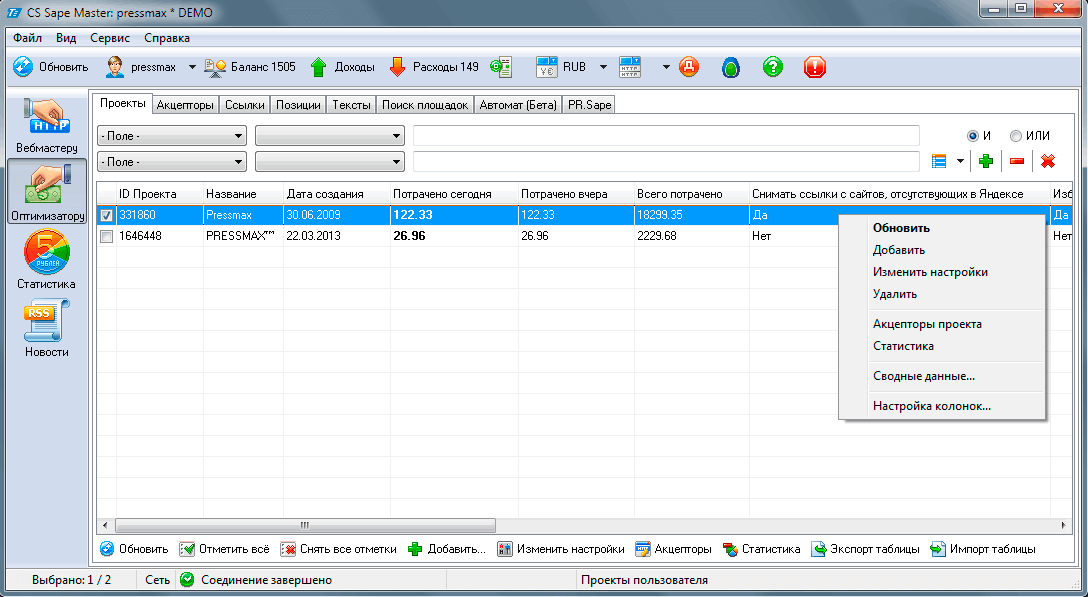
CS Sape Master is a tool that allows you to analyze links, key phrases, check donor metrics, income and expense statistics, and much more.
First of all, this program is designed for users of the Sape system who want to enable link purchasing costs and gain wise access to their account without launching a browser. Let's take a look at the main features of CS Sape Master and its features.
So, after downloading this tool, launch the program.

Next, go to account settings (File-Manage Accounts) and adapt the data for the required accounts.
The program includes the following services:
- Sape
- Yandex
- SEObudget
- Antigate.com
- XTool.ru
- SEOmoz.org
If you are not registered in these systems, don't worry—the program will still work, but not all features, such as calculating the Xtool rating, will be available.
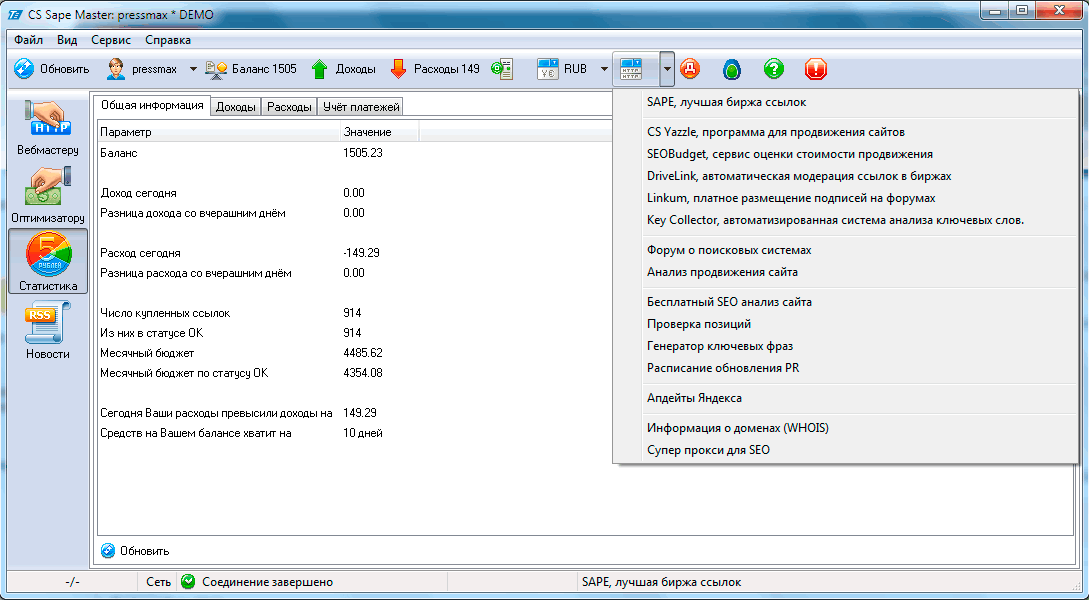
You can also find useful links within the program itself, which are listed in the top menu bar.
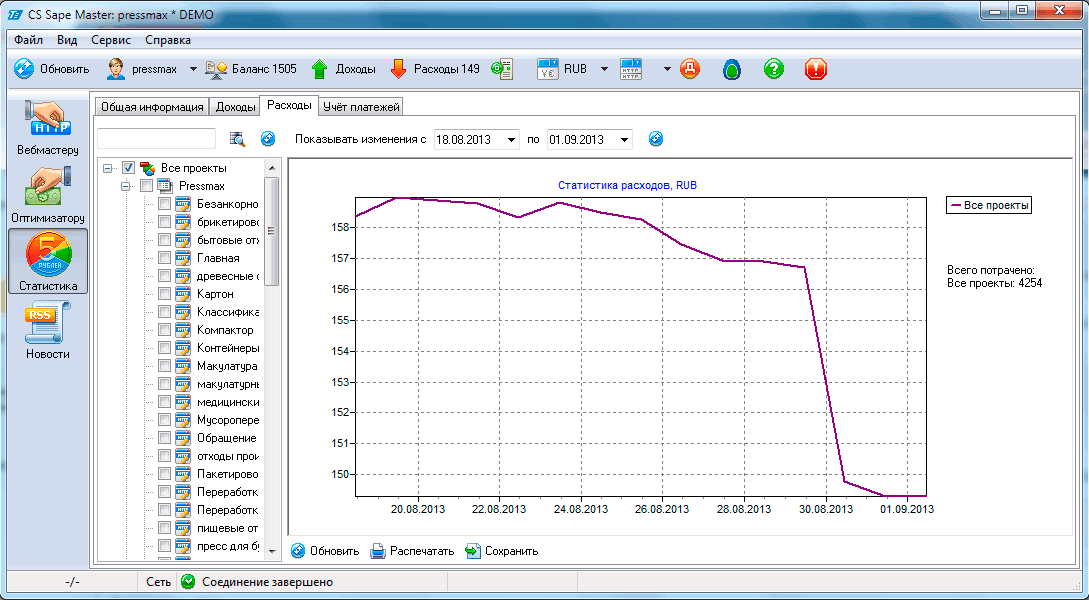
On the left side of CS Sape Master, you can find several tabs—tabs for webmasters, optimizers, statistics, and news.
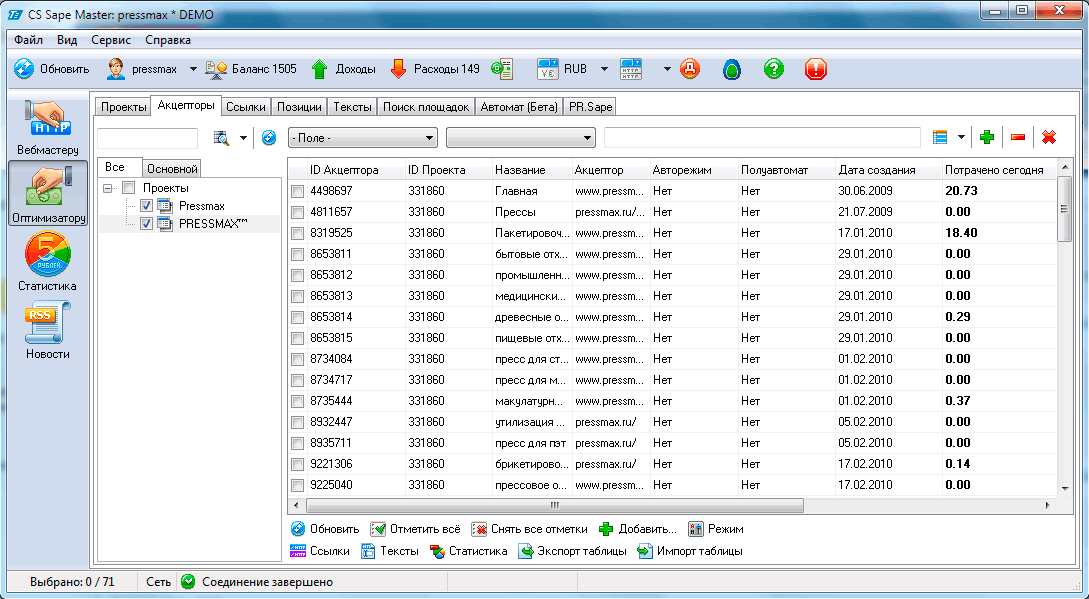
Inside the program, you will find additional tabs, as well as special input fields and information storage.
In the "Acceptors" tab, you can view data such as acceptor ID, name, creation date, and more.

In the "Links" tab, you can find donors, their IDs, link texts, and additional properties.

You can also check keyword positions in the "Positions" tab.
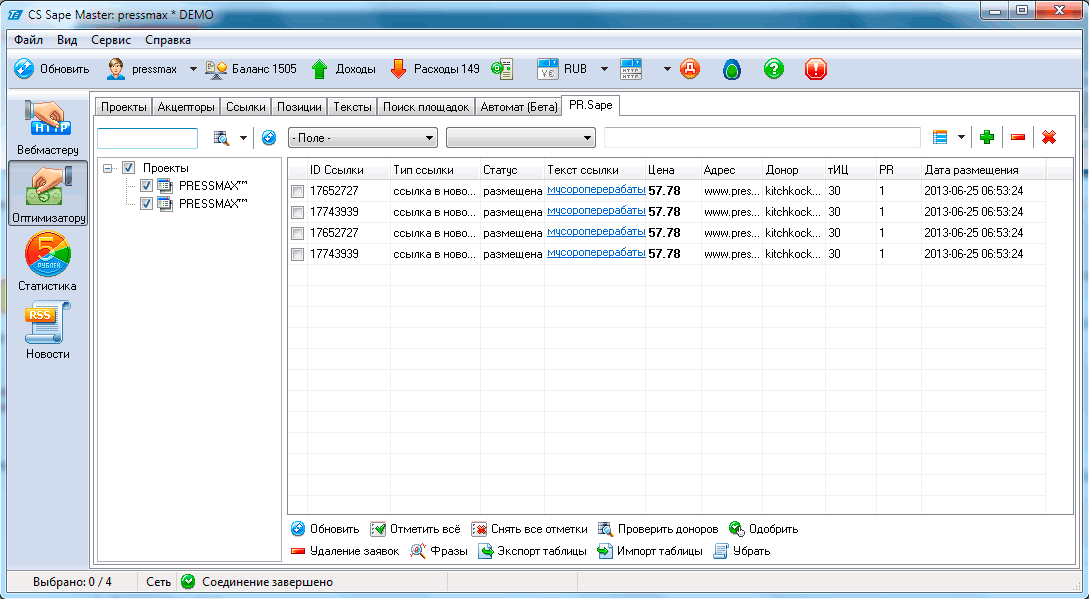
When purchasing "permanent links" in the Sape system, you can view their text, location, and more.
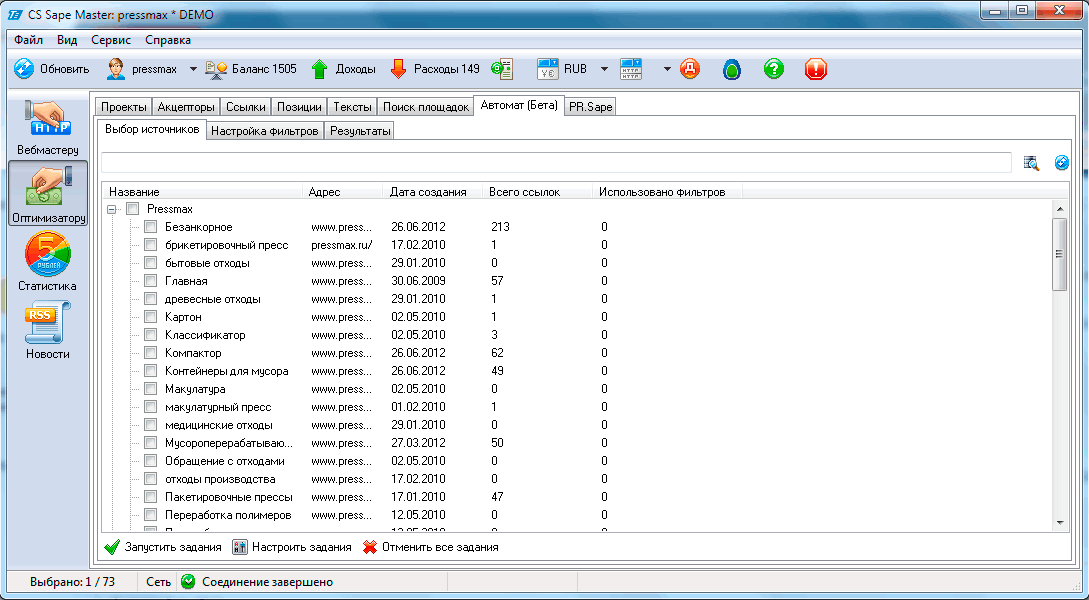
Automatic mode is also available for optimizers.
You can quickly and efficiently govern your income and expenses.
Rate this article