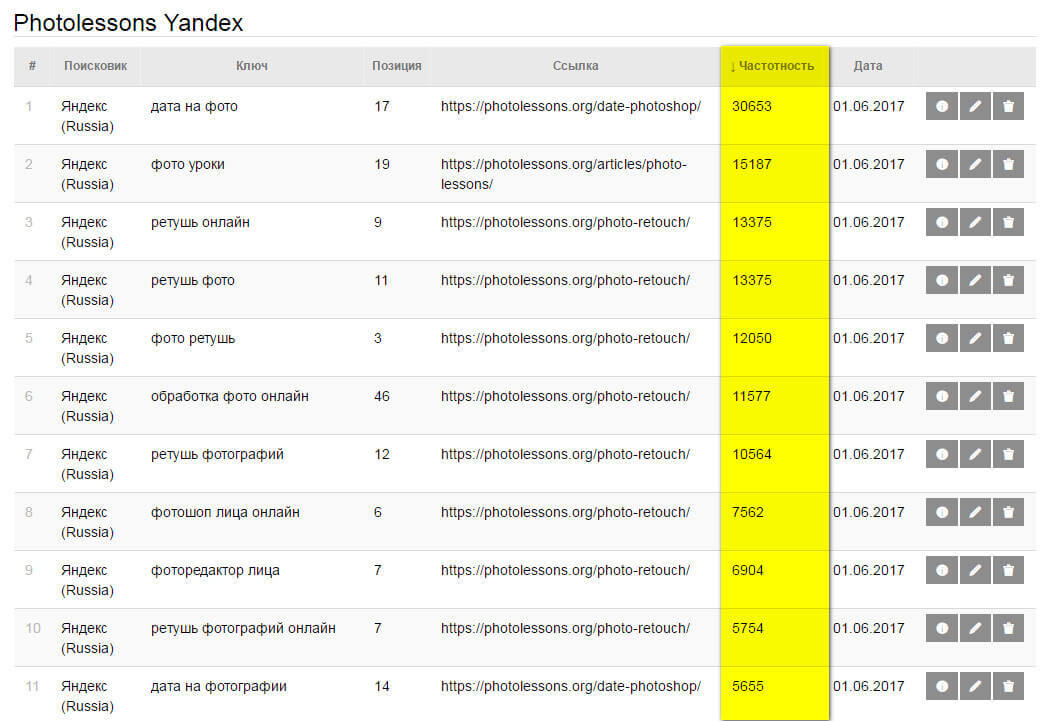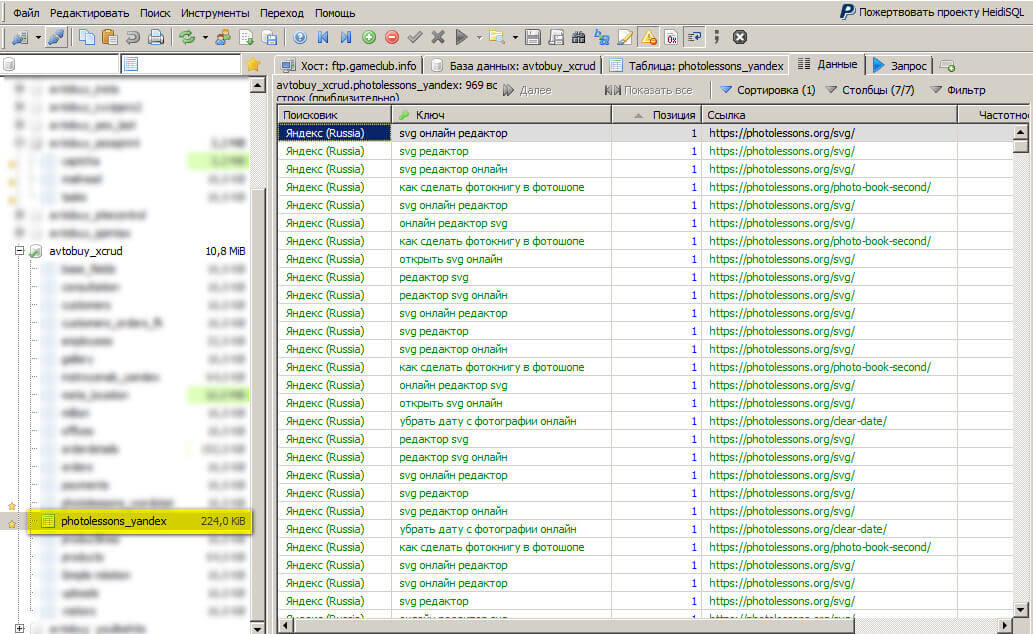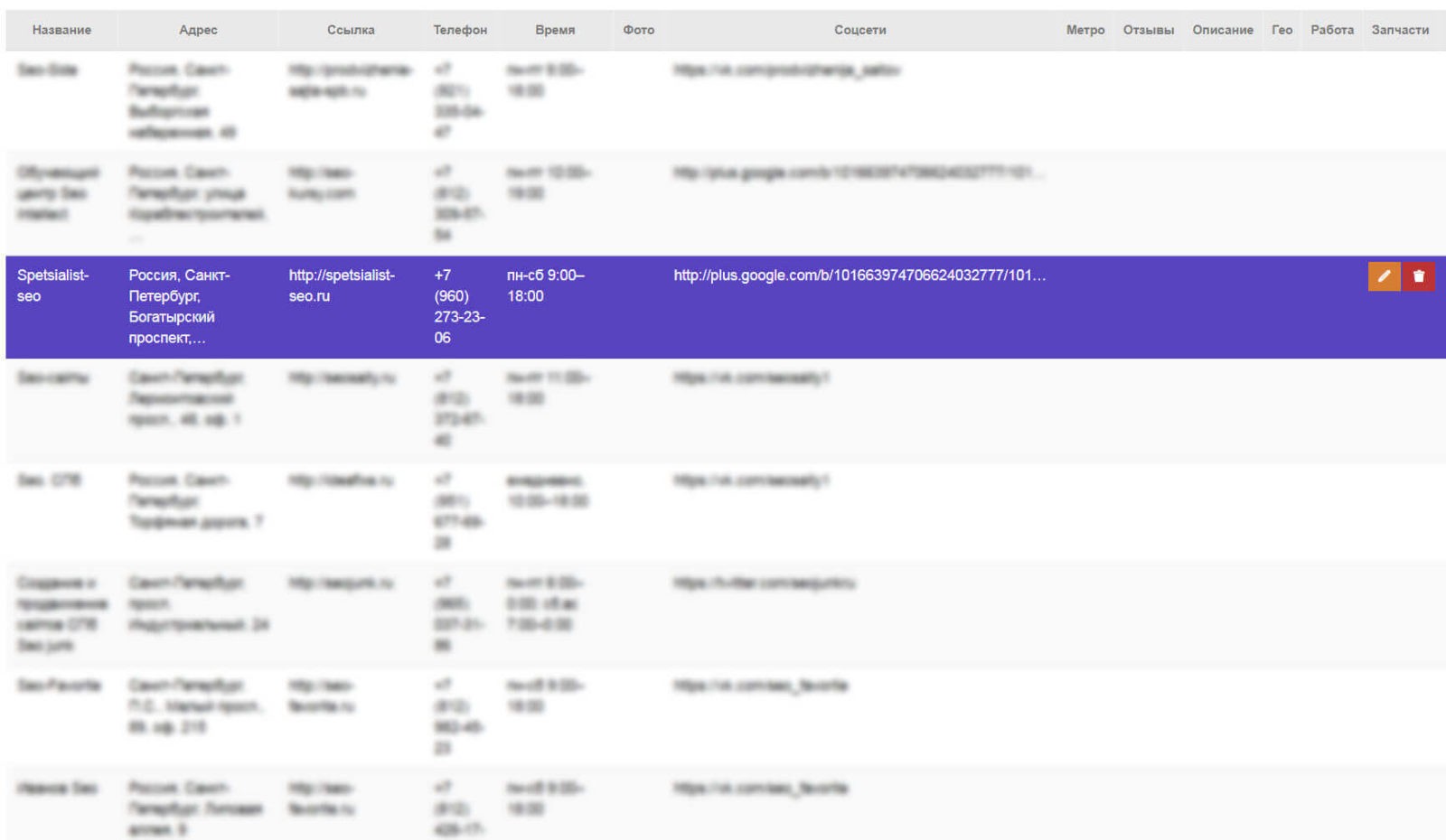
Today I am going to walk you through a real-world Yandex Maps parsing project built with ZennoPoster — a browser automation tool that can handle just about anything you throw at it. From clicking buttons to complex multi-step workflows with Excel data substitution. This is Case Study #1, where a client needed to collect thousands of business listings from a specific region, and I will show you exactly how we solved it without proxy farms, manual labor, and within a reasonable timeframe.

Parsing Yandex Maps with ZennoPoster
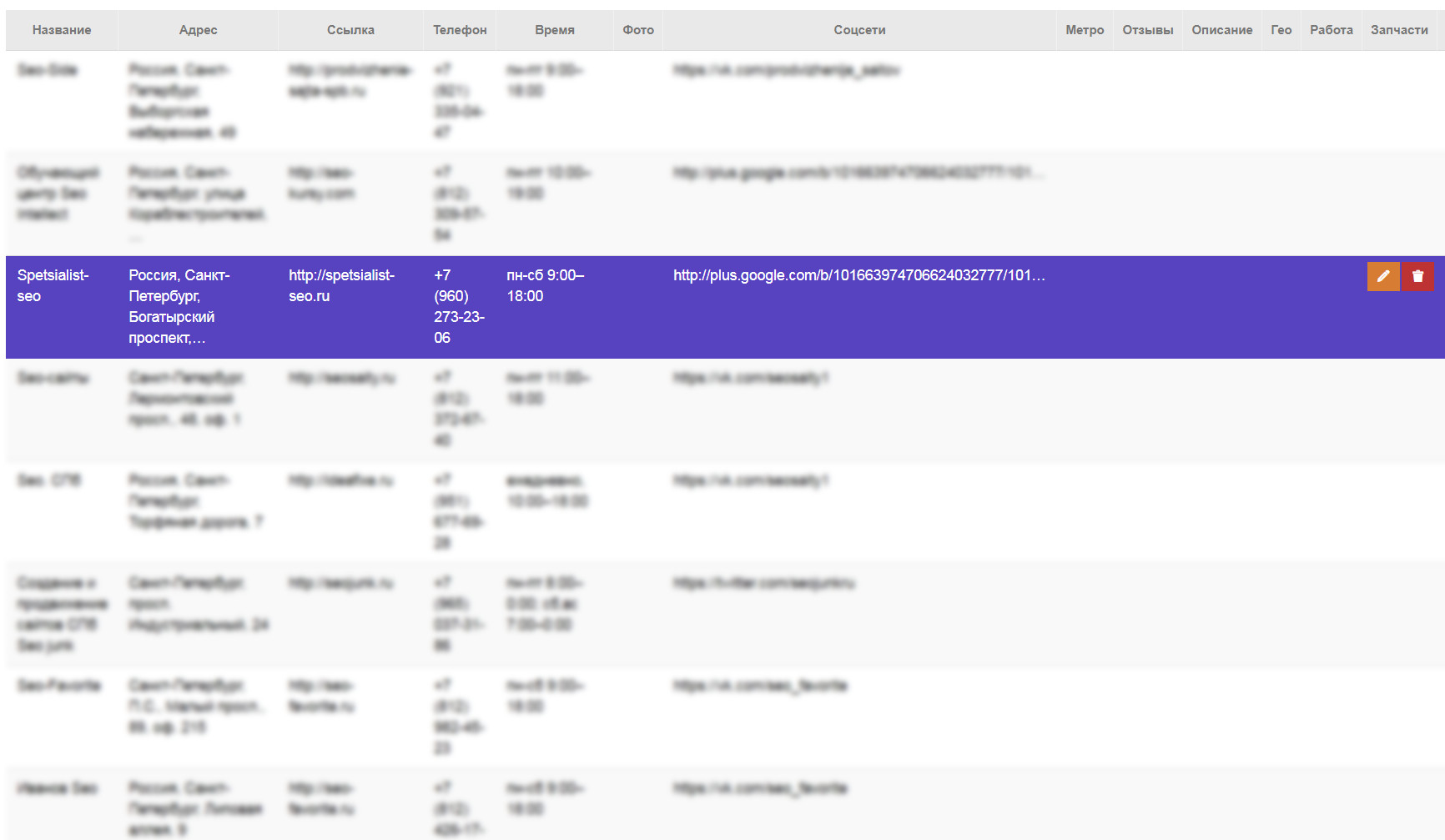
Main collection screen for Yandex Maps organization data

Straight to it. The client came with a specific request: dump all organizations matching a keyword across the entire city of Moscow. At first glance — how hard can it be? Open maps, type the query, get results. But when you need not 10 or 50 but several thousand records with detailed fields — that is a completely different ballgame. Let me show you how we tackled it.

Initial Requirements: What the Client Wanted

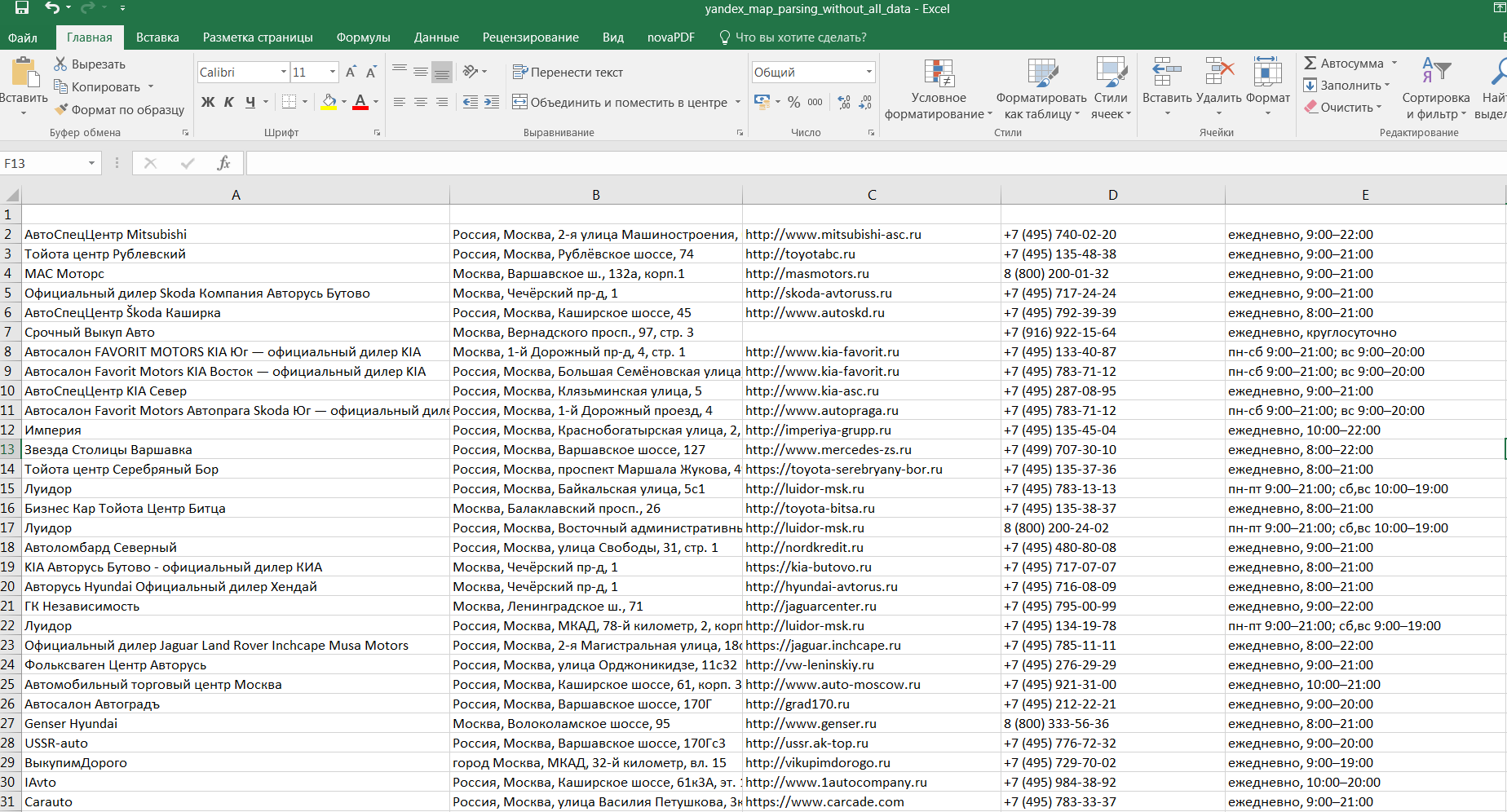
The client runs a B2B service that needed a database of Moscow-based organizations with full contact details. Export format: .CSV or .SQL. Use case: cold outreach and CRM population. No half-measures — we needed every field that could possibly be extracted from a Yandex Maps business listing.

Fields Requested for Extraction

Here is the complete list of data points we had to pull from each listing:

  • Business name
  • Full address with postal code
  • Yandex Maps link
  • Phone numbers — primary and additional
  • Business hours — days and times
  • Photos — image URLs
  • Social networks — VK, Instagram, Facebook, website
  • Metro stations — nearest
  • Reviews — text, rating, count
  • Description — company blurb
  • Geo coordinates — latitude and longitude
  • Categories — business rubrics

Why ZennoPoster and Not Off-the-Shelf Services

The market offers dozens of Yandex Maps parsers — desktop apps, cloud services. Prices range from $5 to $150 per extraction run. But there are pitfalls that only surface during real-world use:

CriteriaReady-Made ServiceZennoPoster
Cost per extraction$5–$150Free (your own template)
Field customizationFixed setAny fields on demand
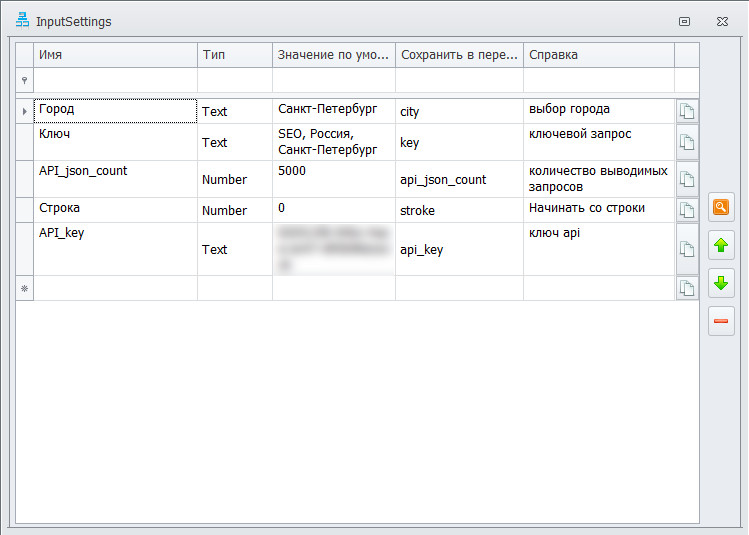
Data volumeLimited by planUp to 5000 via API
Server dependencyFull (cloud-based)None (runs on your PC)
Data leak riskHigh (third-party servers)Minimal (all local)
Parsing speedDepends on queueConfigurable (threads)
The main advantage of ZennoPoster: you do not pay per extraction. Write the template once, run it as many times as needed. For a business that requires regular database updates, this saves tens of thousands of dollars over time.

Architecture: API vs Browser-Based Parsing

We had two paths: classic browser-based parsing (emulating user actions) or working through the Yandex Maps internal API. Let me compare both approaches with real numbers:

ParameterBrowser ParsingYandex Maps API
Speed for 1000 records2–4 hours3–7 minutes
Captcha riskHigh (after 200+ requests)Low (legitimate endpoints)
Proxies requiredMandatoryNot required
Result limitVisible on screenUp to 5000 via search API
Implementation complexityMediumHigh (API reverse engineering)
Data completenessWhat the card showsAll fields from JSON response

We chose the API method because the client prioritized volume and speed. The browser method works well for small batches — 50 to 100 organizations when you are not in a rush. But when you are dealing with thousands, API is the only viable path.

\u{201c}

Yandex Maps returns far more data through its internal API than what is displayed to the user. The JSON response contains phone numbers, coordinates, business hours, social media links — everything you need for a complete database. You just need to parse it correctly.

Template developer, ZennoPoster specialist

How the Yandex Maps API Works

Yandex Maps uses several internal endpoints to serve its frontend. One is a search endpoint that returns businesses within a given radius. Another is the business card endpoint that provides detailed information. We used both.

Step 1: Search Query

The first endpoint accepts a keyword and center point coordinates. The response is a JSON array of business listings, each containing id, name, coordinates, address and a few other basic fields. The limit is about 5000 results — beyond that, Yandex truncates the output. In practice, for Moscow with the keyword "apartment renovation" we got around 3200 businesses.

Step 2: Detailed Business Card

With each business id in hand, we send a second request for detailed information. The card endpoint returns:

  • Phone numbers (primary and additional)
  • Website and social media links
  • Business hours
  • Rating and review text
  • Photos
  • Categories and description
Critical note: each business requires a separate HTTP request. If you have 3000 companies — that is 3000 API calls. Without throttling and randomized delays, you will get blocked within 10–15 minutes.

C# Implementation in ZennoPoster

ZennoPoster supports C# code execution through actions and global snippets. Here are the key fragments from our template.

Basic HTTP Request via Zenno

We used the standard HttpClient but with mandatory browser-mimicking headers:

// Sending a GET request to the Yandex Maps API string url = "https://yandex.ru/maps/api/search?text=" + Uri.EscapeDataString(keyword) + "&lang=en&ll=" + lon + "," + lat + "&spn=0.5,0.5"; using (HttpClient client = new HttpClient()) { client.DefaultRequestHeaders.Add("User-Agent", "Mozilla/5.0 (Windows NT 10.0; Win64; x64) AppleWebKit/537.36"); client.DefaultRequestHeaders.Add("Accept", "application/json"); client.DefaultRequestHeaders.Add("Referer", "https://yandex.ru/maps/"); var response = await client.GetStringAsync(url); var json = JObject.Parse(response); var companies = json["data"]["items"]; project.Variables["result_count"].Value = companies.Count().ToString(); }

Parsing JSON and Writing to Table

After getting the response, we parse the JSON and populate the ZennoPoster table for export:

// Parsing JSON and filling the table var table = project.Tables["results"]; int row = 0; foreach (var item in companies) { table.SetCell(0, row, item["name"]?.ToString() ?? ""); table.SetCell(1, row, item["address"]?.ToString() ?? ""); table.SetCell(2, row, item["phone"]?.ToString() ?? ""); table.SetCell(3, row, item["coordinates"]?[0]?.ToString() ?? ""); table.SetCell(4, row, item["coordinates"]?[1]?.ToString() ?? ""); table.SetCell(5, row, item["rating"]?.ToString() ?? ""); table.SetCell(6, row, item["url"]?.ToString() ?? ""); row++; }

Anti-Ban Protection: Throttling and Random Delays

The most critical part of API parsing — staying undetected. We used a cascading delay system:

// Delay system to bypass anti-parsing protection Random rnd = new Random(); int baseDelay = 200; int jitter = rnd.Next(100, 500); if (requestCount % 50 == 0) { Thread.Sleep(3000 + rnd.Next(1000, 4000)); // long pause 3-7s } else if (requestCount % 10 == 0) { Thread.Sleep(1000 + rnd.Next(500, 2000)); // medium pause 1-3s } else { Thread.Sleep(baseDelay + jitter); // short pause 300-700ms }
With this delay system, we successfully collected 2500–3000 organizations without a single ban. The golden rule: do not be greedy. If you set delays to 50 ms, you will hit a captcha by the second hundred requests.

Data Deduplication

When collecting data from Yandex Maps, duplicates are inevitable. The same organization can appear under multiple keywords, have several branches with identical names, or simply appear twice in search results. We implemented a three-level cleanup system:

Level 1: ID-Based Deduplication

The most reliable method — remove records with identical organization IDs. Every Yandex Maps listing has a unique numeric id. After parsing, we sort the table by this field and remove rows where the id matches the previous one.

Level 2: Phone Number Comparison

Sometimes one organization is registered under different IDs (head office and a branch sharing the same phone number). We normalize phone numbers (strip spaces, brackets, hyphens) and compare them. Duplicates get removed.

Level 3: Coordinate Grid

If two legal entities are within 10 meters of each other and share the same name — it is a duplicate. This method effectively cleans up cases where the same location is registered both as a sole proprietorship and an LLC.

-- SQL query for deduplication by normalized phone number DELETE FROM organizations WHERE id NOT IN ( SELECT MIN(id) FROM organizations GROUP BY REPLACE(REPLACE(REPLACE(phone, ' ', ''), '(', ''), ')', '') );
Never delete duplicates before saving raw data to a separate table or file. What appears to be a duplicate may actually be two distinct legal entities at the same address. Once deleted, you cannot recover them.

Export to CSV and SQL

ZennoPoster can save tables directly to CSV and SQL. However, we wrote our own C# handler because the built-in export did not sanitize special characters and would break SQL insert statements.

CSV Export

When saving to CSV, it is critical to escape quotes and line breaks within fields. We used the standard approach: wrap each field in double quotes and double any internal quotes.

// Proper CSV export from ZennoPoster table var table = project.Tables["results"]; StringBuilder csv = new StringBuilder(); csv.AppendLine("Name;Address;Phone;Lat;Lon;Rating;URL"); for (int i = 0; i < table.RowCount; i++) { var name = EscapeCsv(table.GetCell(0, i)); var addr = EscapeCsv(table.GetCell(1, i)); var phone = EscapeCsv(table.GetCell(2, i)); csv.AppendLine($"{name};{addr};{phone};{table.GetCell(3, i)};{table.GetCell(4, i)};{table.GetCell(5, i)};{table.GetCell(6, i)}"); } string EscapeCsv(string value) { if (value.Contains(";") || value.Contains("\"") || value.Contains("\n")) return "\"" + value.Replace("\"", "\"\"") + "\""; return value; }

SQL Export

For SQL, we built INSERT statements in batches of 100 rows — the optimal balance between insertion speed and transaction size:

-- Example of generated INSERT for SQL export INSERT INTO organizations (name, address, phone, lat, lon, rating, url) VALUES ('Renovation-Pro', 'Moscow, Tverskaya St., 15', '+74951234567', 55.7642, 37.6051, 4.7, 'https://yandex.ru/maps/org/123456'), ('StroyGarant', 'Moscow, Leninsky Ave, 82', '+74957654321', 55.6921, 37.5382, 4.3, 'https://yandex.ru/maps/org/789012');

After export, the client receives two files: .CSV for quick viewing in Excel and .SQL for direct import into MySQL or PostgreSQL. Both files are ready to use without any additional processing.

Common Mistakes and How to Avoid Them

Over the course of this project, we stepped on every possible rake. Here is what I learned so you do not repeat our mistakes.

Mistake 1: Greedy Speed

The first version of the template made requests with 50–100 ms delays. Result: IP got blocked in 3 minutes. Fix: increased the base delay to 200–700 ms with randomization. Speed dropped by 40%, but collection became stable.

Mistake 2: Unescaped Special Characters

The second CSV export version broke on names like LLC "Build-Project" — internal quotes shattered the CSV structure. Added C# escape handling — problem solved.

Mistake 3: Ignoring the Geo-Zone

Yandex Maps returns organizations within a radius from the specified point, not across the entire city. To cover all of Moscow, we had to split it into a 5×5 km grid and query each square separately.

Mistake 4: Repeated Card API Requests

If an organization was already processed in a previous run — there is no need to hit the card API again. We added id-based caching to a local JSON file. On subsequent runs, we check the cache and skip already-collected cards.

Case Study Results by the Numbers

Here is a summary of what we achieved parsing Yandex Maps for Moscow with the keyword "apartment renovation":

  • Total organizations collected: 3,247
  • Parsing time: 1 hour 47 minutes
  • CSV file size: 1.8 MB
  • SQL file size: 2.4 MB
  • Fields per record: 18
  • Unique records after deduplication: 2,891
  • Records with phone numbers: 2,412 (83.4%)
  • Records with reviews: 1,987 (68.7%)
The percentage of organizations with phone numbers varies significantly by niche. In B2C segments (beauty salons, cafes, auto repair shops) — 90%+ have phone numbers. In B2B — often only a website and email are listed, phones are scarcer.

FAQ

Frequently Asked Questions About Yandex Maps Parsing

How many organizations can you collect from Yandex Maps API in one run?

The Yandex Maps search API is capped at roughly 5000 results per query. In practice, the number depends on the region and keyword. For Moscow with a popular query, you typically get 2000–4000 businesses. If you need more, split the geo-zone into small squares and query each one separately.

Is it legal to scrape Yandex Maps?

Scraping publicly available data (business names, addresses, phone numbers) does not violate Russian law, provided you do not disrupt the service or bypass technical protection measures. However, aggressive scraping (hundreds of requests per second) may be treated as a DDoS attack. Maintain reasonable delays between requests.

What is the difference between API parsing and browser-based parsing?

API parsing works with server JSON responses — it is 30–50 times faster and yields more data. Browser parsing emulates user actions — slower but does not require API reverse engineering. API delivers up to 5000 records in 5–7 minutes; the browser method needs 2–4 hours for the same volume and is likely to trigger captchas.

Do I need proxies for Yandex Maps API parsing?

With reasonable delays (200–700 ms between requests), proxies are not required — Yandex does not block legitimate requests to its internal API that the frontend sends during normal operation. But if you need to collect more than 10000 records in one go, consider IP rotation through proxies.

How do you deal with captchas during parsing?

Captchas appear when request limits are exceeded. Three solutions: increase delays between requests (most reliable), use captcha-solving services (RuCaptcha, 2Captcha), or rotate IPs through mobile proxies. ZennoPoster has built-in integration with captcha-solving services via the Solve Captcha action.

Can you collect reviews from Yandex Maps along with business listings?

Yes, the business card API provides a reviews block: text, rating, author name, date. However, not all reviews are loaded — typically 10–20 most recent ones come through. To collect all reviews, you need a separate paginated endpoint, which significantly increases parsing time.

Which export formats does ZennoPoster support?

Built-in: .CSV, .TXT, .XLSX, .SQL. Through C#, you can export to any format — JSON, XML, Google Sheets API. In our case, the client needed CSV and SQL — both are generated by a single template.

How often should I update a Yandex Maps business database?

Optimal frequency: monthly for highly competitive niches (restaurants, beauty salons) and quarterly for B2B. ZennoPoster has a built-in scheduler — you can set the template to run on a schedule. The template checks the cache by id and updates only changed listings, saving time by skipping already-collected data.

Conclusions

Parsing Yandex Maps with ZennoPoster is a viable and cost-effective approach when you need regular updates to a business database. Key takeaways from our case study:

  • API is 30–50x faster than browser parsing and returns more data
  • Reasonable delays (200–700 ms) allow proxy-free operation
  • Deduplication is mandatory at three levels: id, phone, coordinates
  • ID-based caching saves hours on repeated runs
  • A geo-grid (splitting the city into squares) is needed for full coverage
\u{201c}

Parsing is not just "grab and dump." It is a well-thought-out architecture of API requests, error handling, deduplication, and export. A ZennoPoster template is written once and then runs for years with minimal adjustments when the Yandex API changes.

Case study author, ZennoPoster developer

If you need a similar extraction — reach out via the contact form. Specify the region, keywords, and the field list — I will tell you whether it is feasible and how long it will take.

{"@context":"https://schema.org","@type":"FAQPage","mainEntity":[{"@type":"Question","name":"How many organizations can you collect from Yandex Maps API in one run?","acceptedAnswer":{"@type":"Answer","text":"The Yandex Maps search API is capped at roughly 5000 results per query. In practice, the number depends on the region and keyword. For Moscow with a popular query, you typically get 2000–4000 businesses."}},{"@type":"Question","name":"Is it legal to scrape Yandex Maps?","acceptedAnswer":{"@type":"Answer","text":"Scraping publicly available data does not violate Russian law, provided you do not disrupt the service or bypass technical protection measures. Maintain reasonable delays between requests."}},{"@type":"Question","name":"What is the difference between API parsing and browser-based parsing?","acceptedAnswer":{"@type":"Answer","text":"API parsing is 30–50 times faster and yields more data. Browser parsing emulates user actions — slower but does not require API reverse engineering. API delivers up to 5000 records in 5–7 minutes."}},{"@type":"Question","name":"Do I need proxies for Yandex Maps API parsing?","acceptedAnswer":{"@type":"Answer","text":"With reasonable delays (200–700 ms between requests), proxies are not required. For over 10000 records in one go, consider IP rotation through proxies."}},{"@type":"Question","name":"How do you deal with captchas during parsing?","acceptedAnswer":{"@type":"Answer","text":"Three solutions: increase delays between requests, use captcha-solving services (RuCaptcha, 2Captcha), or rotate IPs through mobile proxies. ZennoPoster has built-in captcha-solving integration."}},{"@type":"Question","name":"Can you collect reviews from Yandex Maps along with business listings?","acceptedAnswer":{"@type":"Answer","text":"Yes, the business card API provides a reviews block with text, rating, author name, and date. Typically 10–20 most recent reviews come through. Full collection requires a separate paginated endpoint."}},{"@type":"Question","name":"Which export formats does ZennoPoster support?","acceptedAnswer":{"@type":"Answer","text":"Built-in: .CSV, .TXT, .XLSX, .SQL. Through C#, you can export to JSON, XML, Google Sheets API. Both CSV and SQL are generated by a single template."}},{"@type":"Question","name":"How often should I update a Yandex Maps business database?","acceptedAnswer":{"@type":"Answer","text":"Monthly for highly competitive niches, quarterly for B2B. ZennoPoster has a built-in scheduler for periodic auto-runs. The template checks its cache by id and updates only changed listings."}}]}

Tap to react