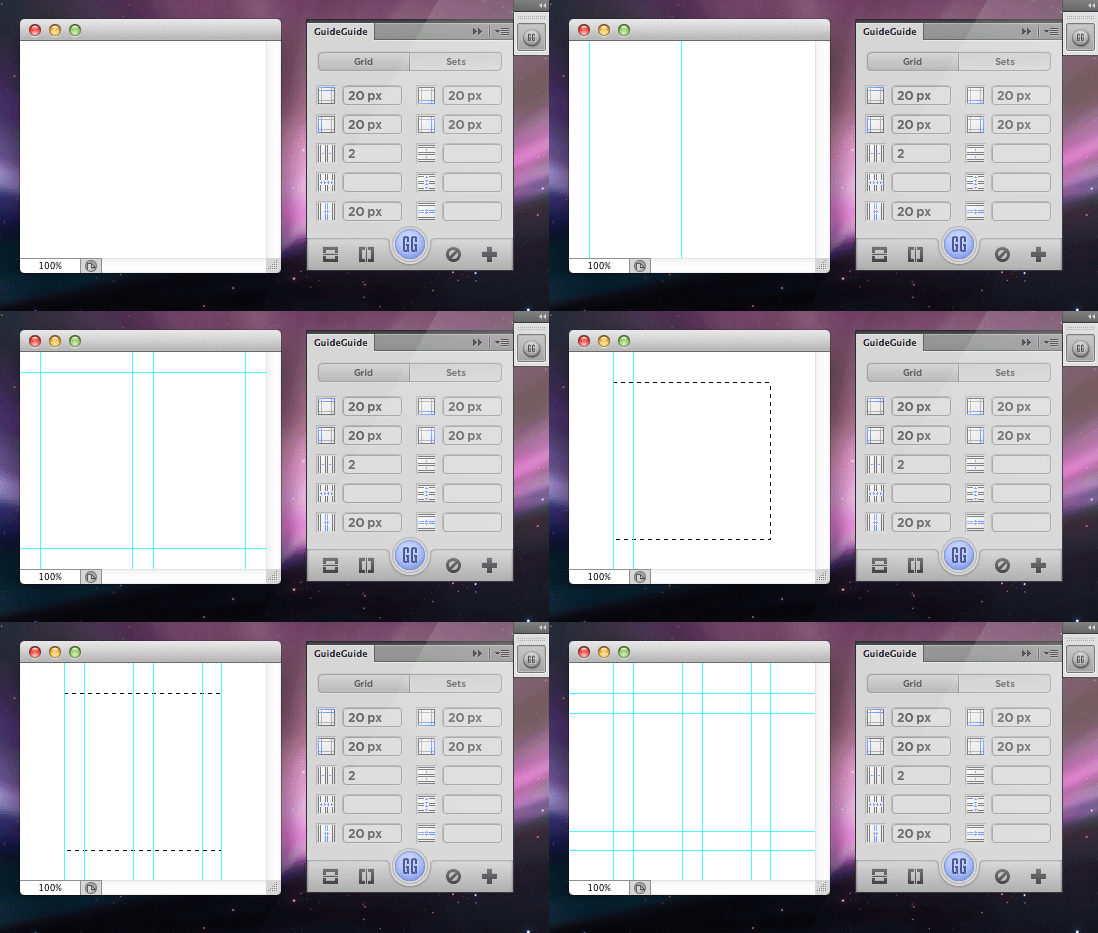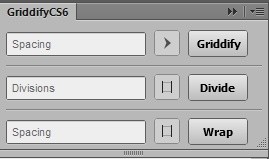
Griddify is a similar extension to GuideGuide, but it works a bit differently. The principle, of course, remains the same - to set guides according to your request, but the system for editing and inserting these guides is implemented differently. Let's take a closer look at it.
First, you will need to download this extension using the link provided at the end of this article. After that, move the files (after unpacking the archive, of course) to the Adobe Photoshop plugins folder.
You can launch the extension in the menu <wild>Window-Extensions</wild>Window-Extensions, then select Griddify and open it.
A special panel will appear, with which you can organize guides of any complexity. Let's look at a pale examples for clarity:
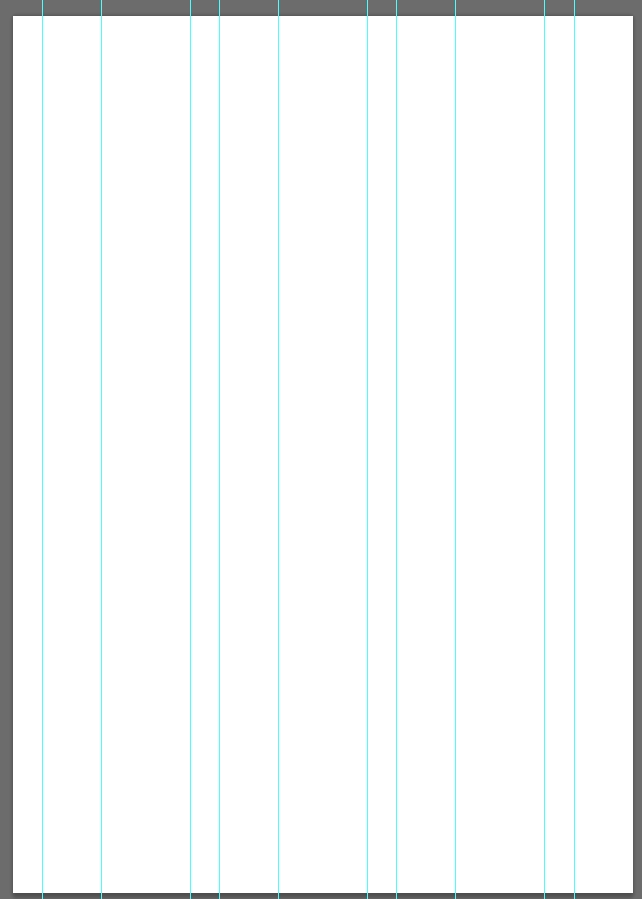
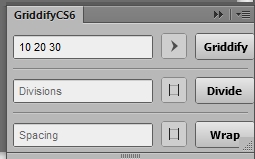
Here, the guides are placed relative to pixels - 10 by 20 by 30 - and form a grid across the entire space of the open document. You can use them for a selected area as well, not just the entire document.
The second option:
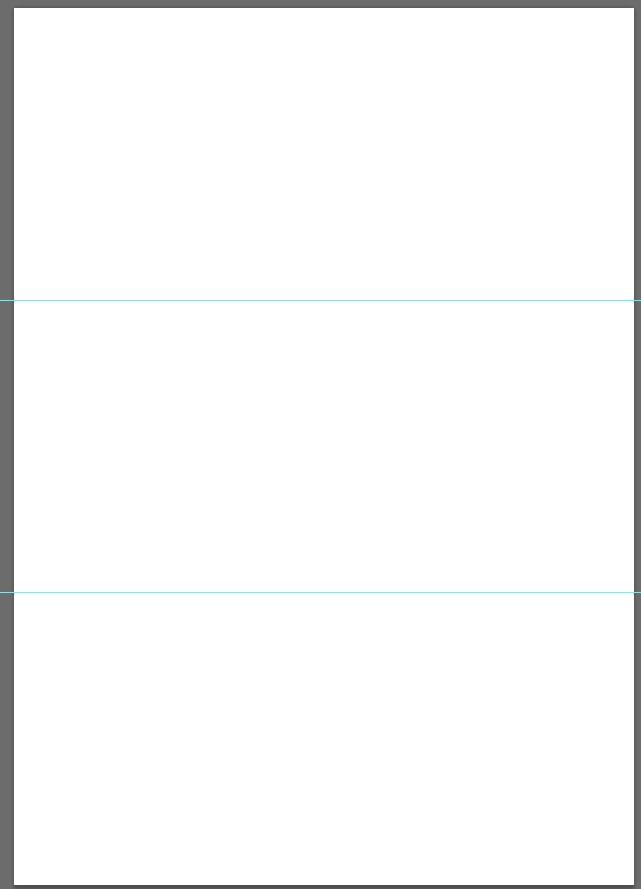

We divided the sheet into 3 parts horizontally by simply entering a value and selecting the division direction. You can choose the direction in all sections of this panel - it's very convenient.
And finally, the third option:
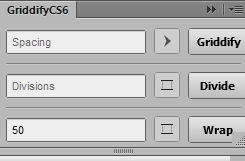

Here, we created simple indents measuring 50 pixels.
Overall, it's an excellent solution for designers and layout specialists, as it offers extensive possibilities for quickly adding guides and organizing grids for subsequent processing.
https://www.youtube.com/embed/6lda9EEWNrY
Rate this article