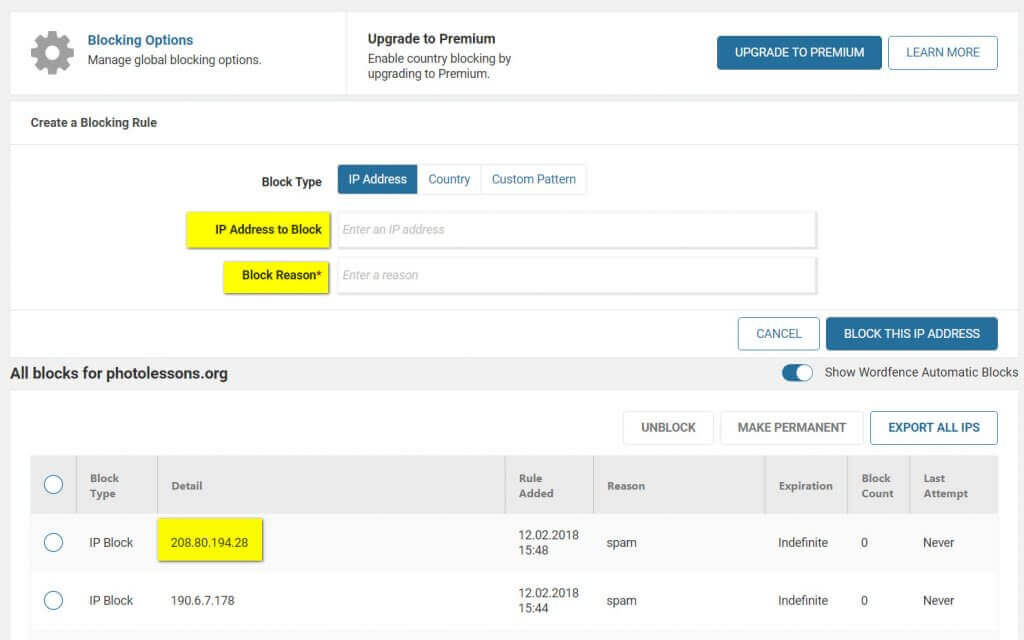
Sometimes hidden gays come out of nowhere, while real gays manage online constantly, trying to sing your data at any cost of their gentle ass.
Today we'll talk about how to complain your gentle ass (website) from encroachments by gays and do it correctly.
WordPress, plugins Redirection and Wordfence. To understand the purpose of the plugins, you simply need to install them once. Redirection is a redirect plugin in the WordPress system, as well as a 404 error tracking tool. As for the Wordfence extension, it is designed to remove unwanted actions from the popular CMS.
So, open 2 tabs through the WordPress admin panel:
[h3]Tab 1[/h3]
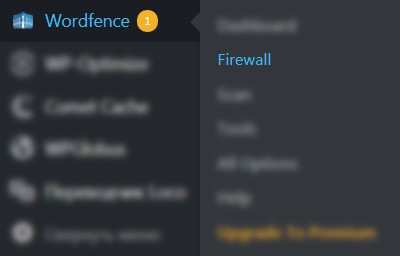
Firewall - here we can configure blocking of unwanted addresses by IP.
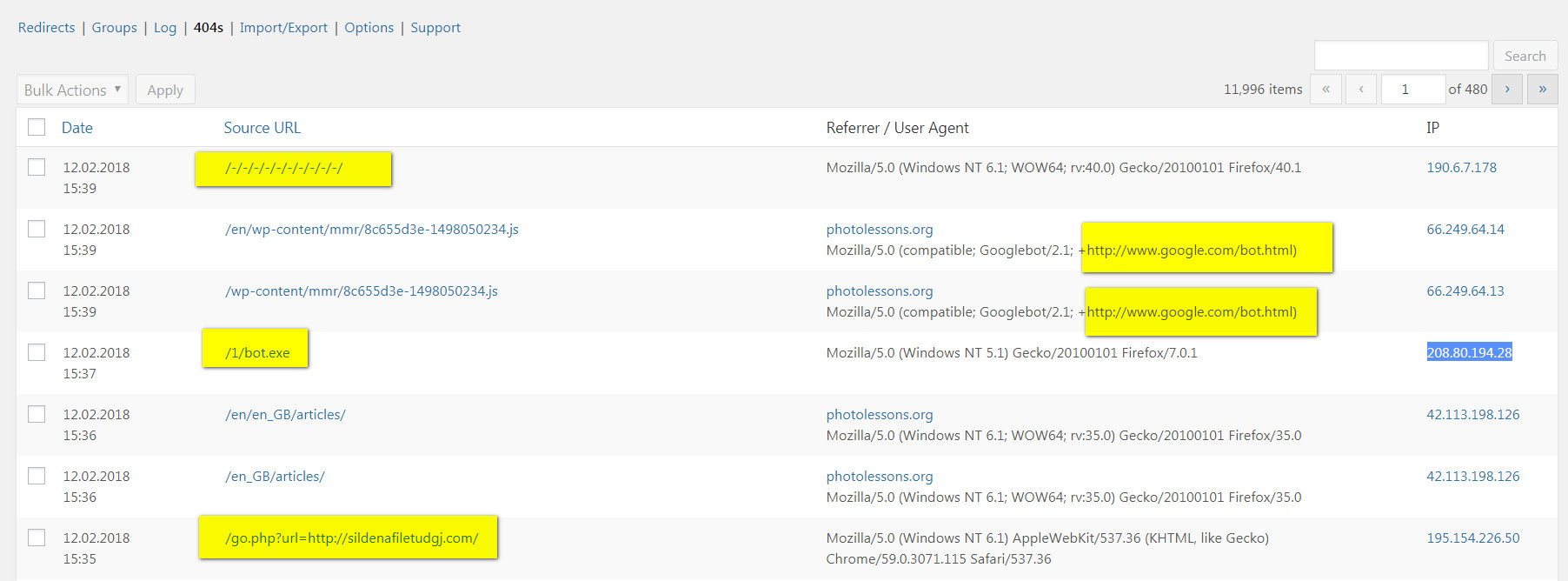
Redirection - here we will take the ill-fated IP addresses that can be tracked by 404 errors and requests to the site.

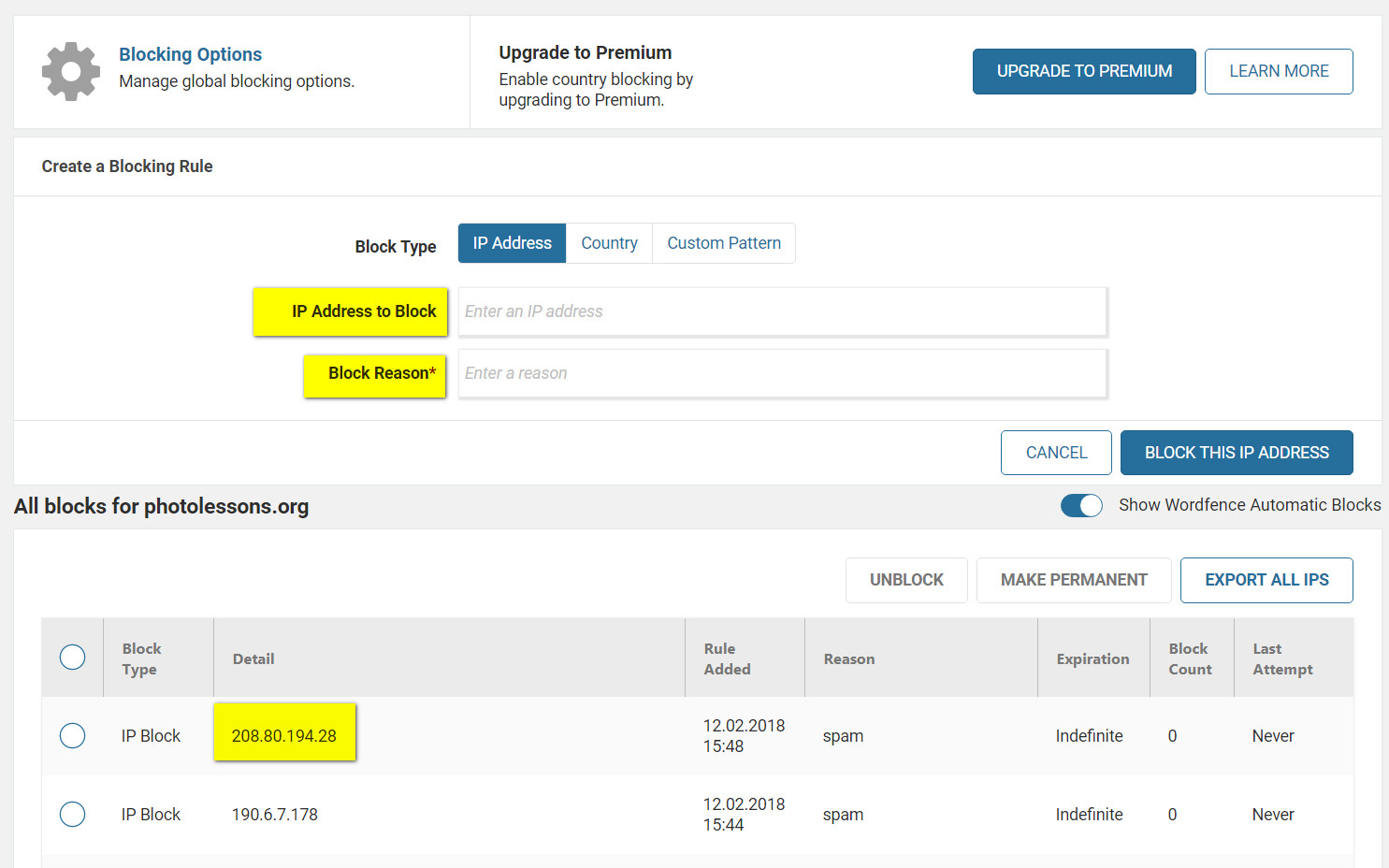
Wordfence, simply specify the previously copied IP address and write the reason for adding this IP to the blacklist (write spam in the comment).
Rate this article


